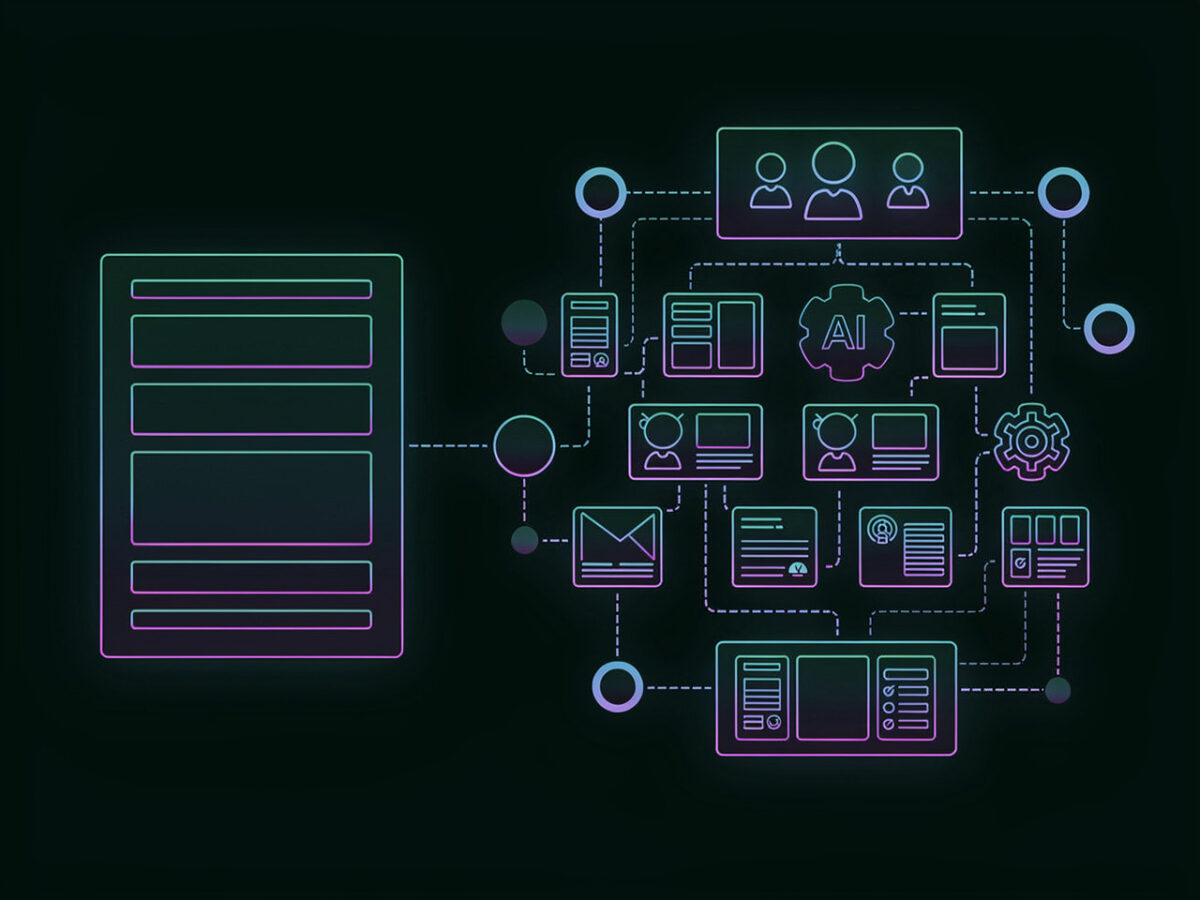
Complex Content Architecture
WordPress handles custom content types, taxonomies, and relationships more flexibly. Webflow works well for simpler content structures, but WordPress scales better as content ecosystems grow.

Enterprise CMS Comparison
Webflow helps teams move fast with visual control and centralized site management. Enterprise WordPress goes further when organizations need governed autonomy, open architecture, complex content models, and long-term control across large digital ecosystems.
Where WordPress Pulls Ahead
Webflow is excellent for fast, visually managed websites. WordPress becomes the stronger enterprise choice when content complexity, integrations, governance flexibility, and long-term platform control matter more than design convenience alone.
WordPress handles custom content types, taxonomies, and relationships more flexibly. Webflow works well for simpler content structures, but WordPress scales better as content ecosystems grow.
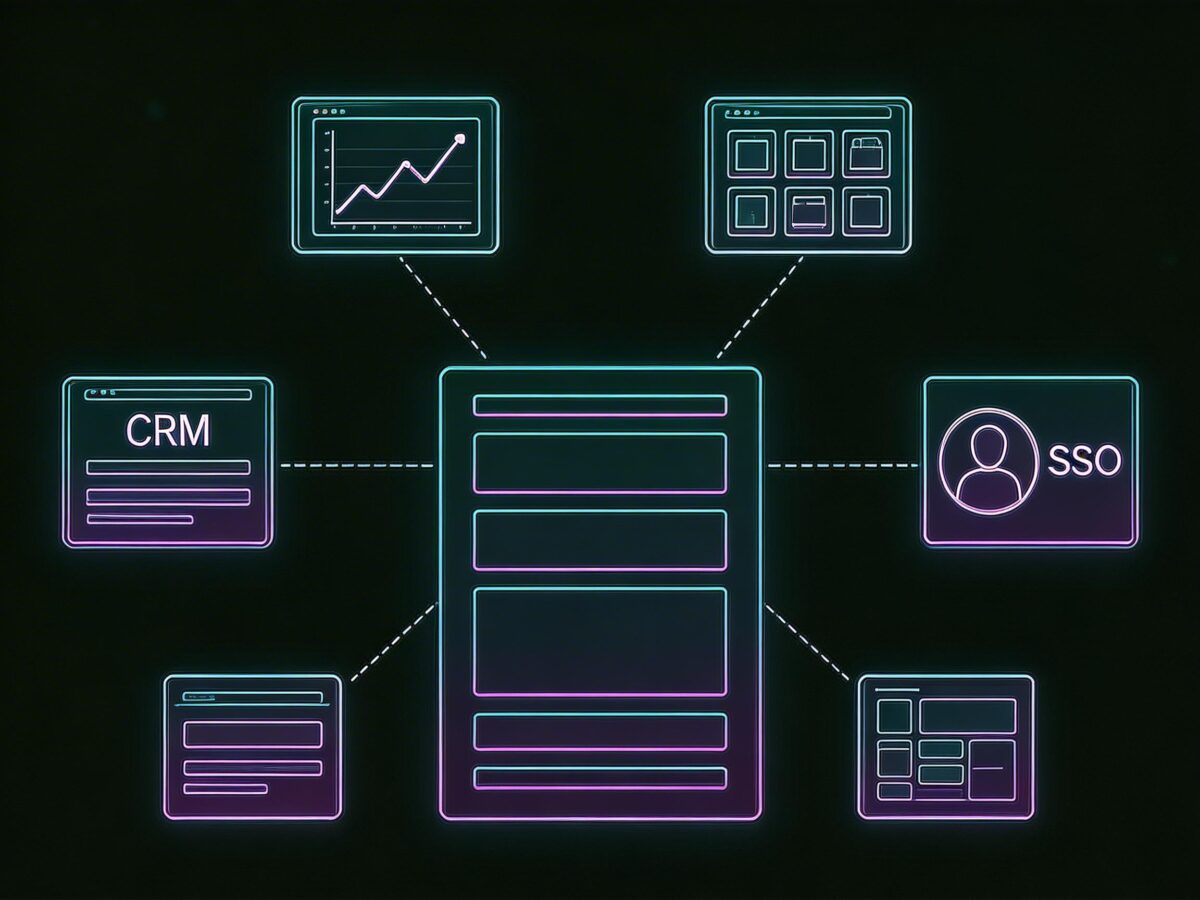
WordPress gives teams more room to connect CRM, analytics, DAM, SSO, and custom systems. Webflow covers common needs well, but WordPress is stronger when integration depth becomes strategic.

WordPress gives enterprises more ownership over architecture, workflows, and future evolution. Webflow offers convenience, but WordPress reduces dependence on a single platform model.
Deep Dive
| WordPress | Webflow | |
|---|---|---|
|
Architecture
|
||
|
Open ecosystem
Freedom to extend the platform through code, plugins, APIs, and custom architecture beyond built-in patterns.
|
|
|
|
Custom content models
Ability to model complex content relationships, publishing objects, and business-specific structures.
|
|
|
|
Vendor lock-in
Difficulty of migrating content, workflows, and architecture away from the platform.
|
Lower
|
Higher
|
|
Integration freedom
Flexibility to connect with CRM, DAM, SSO, analytics, personalization, and internal systems.
|
Higher
|
Medium
|
|
Platform control
Degree of control technical teams retain over implementation, infrastructure choices, and future extensibility.
|
Higher
|
Medium
|
|
Governance
|
||
|
Guardrails by default
Ability to give teams autonomy without allowing uncontrolled layout fragmentation.
|
|
|
|
Custom workflow flexibility
Ability to adapt publishing workflows and permissions to enterprise-specific business processes.
|
|
|
|
Multi-brand governance
Suitability for organizations managing multiple brands, regions, business units, or publishing models.
|
|
|
|
Brand consistency
Ability to preserve design patterns and content standards across teams.
|
|
|
|
Scales across teams
Supports distributed editors, stakeholders, and publishing contributors.
|
|
|
|
Editorial workflow
|
||
|
Structured content fit
How well the platform supports reusable, modular, machine-readable content structures.
|
|
|
|
Page launch speed
How quickly teams can assemble and publish new campaigns.
|
|
|
|
Safe autonomy
Editors can move quickly without compromising quality or consistency.
|
|
|
|
Content depth
Ability to support large libraries of differentiated content types beyond standard marketing pages.
|
|
|
|
Training overhead
Time required for new editors and marketers to become productive.
|
Medium
|
Lower
|
|
Performance
|
||
|
High-traffic publishing fit
Suitability for high-visibility enterprise websites under significant traffic load.
|
|
|
|
Performance control
Ability for engineering teams to deeply tune rendering, caching, delivery, and application behavior.
|
Higher
|
Medium
|
|
Infrastructure flexibility
Freedom to shape the stack around business, compliance, and operational needs.
|
Higher
|
Lower
|
|
Optimization ceiling
Maximum upside available when strong engineering resources optimize the system.
|
Higher
|
Medium
|
|
Cost of ownership
|
||
|
Licensing flexibility
Ability to shape platform cost around the organization’s specific needs and operating model.
|
Higher
|
Lower
|
|
Migration freedom
Ease of evolving away from the platform if requirements change.
|
Higher
|
Lower
|
|
Long-term control
Ability to remain independent from a single vendor’s roadmap, constraints, and commercial model.
|
|
|
|
Complexity ROI
Which platform produces better long-term economics based on organizational complexity.
|
Better for complex ecosystems
|
Better for simpler stacks
|
| WordPress | Webflow | |
|---|---|---|
|
Architecture
|
||
|
Open ecosystem
|
|
|
|
Custom content models
|
|
|
|
Vendor lock-in
|
Lower
|
Higher
|
|
Integration freedom
|
Higher
|
Medium
|
|
Platform control
|
Higher
|
Medium
|
|
Governance
|
||
|
Guardrails by default
|
|
|
|
Custom workflow flexibility
|
|
|
|
Multi-brand governance
|
|
|
|
Brand consistency
|
|
|
|
Scales across teams
|
|
|
|
Editorial workflow
|
||
|
Structured content fit
|
|
|
|
Page launch speed
|
|
|
|
Safe autonomy
|
|
|
|
Content depth
|
|
|
|
Training overhead
|
Medium
|
Lower
|
|
Performance
|
||
|
High-traffic publishing fit
|
|
|
|
Performance control
|
Higher
|
Medium
|
|
Infrastructure flexibility
|
Higher
|
Lower
|
|
Optimization ceiling
|
Higher
|
Medium
|
|
Cost of ownership
|
||
|
Licensing flexibility
|
Higher
|
Lower
|
|
Migration freedom
|
Higher
|
Lower
|
|
Long-term control
|
|
|
|
Complexity ROI
|
Better for complex ecosystems
|
Better for simpler stacks
|
Chosen by Teams That Need Control
From fast-moving technology companies to regulated enterprises, organizations choose 40Q when they need marketing teams to move faster without giving up architecture control, governance flexibility, or long-term platform ownership.




ENTERPRISE WORDPRESS IN PRACTICE
Some teams choose Webflow because it accelerates early execution and simplifies website operations.u003cbru003eBut as content models grow, integrations multiply, and governance needs become more specific, WordPress becomes the stronger long-term foundation.u003cbru003eIt gives enterprises more flexibility to shape content architecture, editorial workflows, and technical systems around the business instead of adapting the business to the platform.
Where WordPress Creates More Enterprise Value

WordPress supports custom post types, taxonomies, and modular content systems that map more naturally to enterprise information architecture. As content models become more complex across products, regions, teams, and business units, WordPress gives organizations more room to scale without forcing everything into a narrower CMS structure.
Is Your CMS Limiting Growth?
Evaluate content structure maturity, governance scalability, integration complexity, AI readiness, and long-term operational risk.
Decision Clarity
Choosing the right platform affects content operations, governance, integration flexibility, and long-term control. Below are the most common questions enterprise teams ask when evaluating WordPress against Webflow.
Already Feeling Platform Constraints?
Migration is not just a platform switch. It is a chance to rebuild content architecture, improve governance, expand integration flexibility, and create a stronger long-term operating foundation.