
WordPress
How to Optimize Enterprise WordPress for Autonomy and Speed

José Debuchy
February 21, 2026 | 3 min to read
Every large enterprise faces the challenge of scaling WordPress to support fast-moving marketing initiatives while keeping developer bottlenecks at bay. Without a clear assessment of your technical foundation, outdated plugins and hidden dependencies can throttle content velocity. By leveraging the Site Health screen and the new Plugin Dependencies feature in WordPress 6.5, CMOs can gain actionable insight into their platform’s strengths and weaknesses, paving the way for autonomous marketing operations without sacrificing stability.
Quick Summary
| Key Takeaway | Explanation |
|---|---|
| 1. Assess Site Health Regularly | Use the Site Health screen to identify outdated components and improve performance. |
| 2. Implement FAS Block System | Enable marketing autonomy by using reusable blocks for creating content without developer help. |
| 3. Enforce Security Measures | Establish granular access controls to protect systems while allowing team independence. |
| 4. Optimize Performance for Traffic | Utilize caching and CDNs to ensure fast response times during traffic spikes. |
| 5. Conduct Regular Performance Checks | Measure and monitor performance metrics to validate optimizations and maintain compliance. |
Step 1: Assess current WordPress infrastructure and dependencies
Before optimizing for autonomy and speed, you need a clear picture of what you’re working with. This assessment reveals outdated components, plugin conflicts, and dependencies that slow down your team or create developer bottlenecks.
Start by accessing the Site Health screen in your WordPress dashboard. Navigate to Tools > Site Health to run a comprehensive diagnosis of your configuration. This screen identifies critical issues, recommended improvements, and technical details about your themes, plugins, PHP versions, and database support.
The Site Health screen gives you actionable data across several categories:
- Active plugins and themes: Count how many are installed and which ones are actually needed
- PHP version and support: Check if you’re running outdated PHP that limits performance or security
- Database configuration: Verify database compatibility and optimization status
- Server environment: Review memory limits, upload size restrictions, and other constraints
- Security concerns: Identify SSL, HTTPS, and authentication gaps
Site Health shows you the technical foundation your marketing team depends on—fixing what’s broken here directly enables faster content deployment.
Next, audit your plugin dependencies. Document which plugins require other plugins to function. WordPress 6.5 introduced plugin dependencies management, which automatically prevents dependent plugins from activating unless their required plugins are installed and active. This feature simplifies maintenance and prevents the cascading failures that slow teams down.
Create a simple spreadsheet listing every plugin, its purpose, its dependencies, and whether your marketing team actually uses it. Identify redundancies—sometimes three plugins do what one could handle. This audit forms the foundation for removing developer friction.
After reviewing the Site Health report and plugin list, note any areas where outdated software, missing dependencies, or misconfigurations exist. These become your optimization priorities.
Pro tip: Export your Site Health report as a PDF and share it with your IT team before making changes—this creates alignment on what needs fixing and ensures you’re not breaking anything critical when you start optimizing.
Step 2: Implement advanced FAS Block System for marketing autonomy
The FAS Block System™ is your framework for giving marketing teams independence without sacrificing governance. This system lets your team launch campaigns, landing pages, and localized content without waiting for developer involvement.

Start by understanding what the FAS Block System does. It organizes marketing functionality into discrete, reusable blocks that your team can combine and configure. Each block handles a specific purpose—hero sections, call-to-action buttons, testimonial carousels, form handlers, or content layouts. Using modular functional block architecture, your team builds pages by selecting and arranging blocks rather than requesting code changes.
Begin implementation with these foundational steps:
- Map your content needs: Document the page types your marketing team creates regularly. Landing pages, campaign templates, product showcases, case studies. What layouts and components appear across multiple pages?
- Audit existing designs: Review your current WordPress templates and identify repeated patterns. These patterns become your blocks.
- Define block specifications: For each block, determine what fields marketing needs to control. Text fields, image uploads, color options, link targets. Make it visual and simple.
- Build with Gutenberg: Develop your custom blocks using WordPress Gutenberg as the foundation. This ensures your team already knows the interface.
FAS Blocks eliminate the developer dependency cycle—your marketing team controls content velocity while your IT team manages performance and security at the system level.
Implementation typically starts with 5 to 10 high-impact blocks that cover 80% of your marketing work. Don’t try to build everything at once. Start with the blocks your team uses most frequently.
Configure role-based access so marketing users see only the blocks relevant to their work. Hide technical settings. Provide clear field labels and descriptions. Your team should intuitively understand what each block does without consulting documentation.
Test with your actual marketing team during development. Watch them build a landing page using only your blocks. If they get confused or ask for help, the block design needs refinement.
Pro tip: Start with a single high-traffic page template as your pilot project—convert it to FAS Blocks and let your marketing team rebuild that page independently before scaling to other templates.
Step 3: Strengthen enterprise security and compliance measures
Security isn’t an afterthought in enterprise WordPress. As you give marketing teams more autonomy, you must simultaneously strengthen governance, access controls, and compliance frameworks. This balance protects your organization while enabling speed.
Start with your hosting environment and server configuration. WordPress hardening best practices cover foundational security such as managing user privileges, configuring server access restrictions, and implementing security policies at the infrastructure level. Your IT team should audit these settings before your marketing team begins creating content at scale.
Next, implement granular access controls. Default WordPress roles are too broad for enterprise use. You need fine-grained control over what different team members can do. Consider these access layers:
- Editor role restrictions: Marketing team members shouldn’t access all settings or plugin configurations
- Content type permissions: Limit who can publish specific page types or modify templates
- Feature access: Disable dangerous functions while enabling content creation tools
- Audit logging: Track who changed what, when, and why for compliance reporting
Advanced access governance tools like Advanced Access Manager let you design custom permission rules tailored to your organizational structure. Instead of assigning users to generic roles, you create specific capabilities for specific jobs.
Enterprise security means enabling your team while protecting your systems—tight access controls enable autonomy without risk.
Define your compliance requirements early. Are you subject to HIPAA, GDPR, SOC 2, or industry-specific standards? Your security framework must address these obligations. Document which data lives where, who accesses it, and how it’s protected.
Implement a security review cycle. Quarterly audits should examine user permissions, plugin versions, and access logs. Remove inactive user accounts. Update security settings when team structure changes. Automate what you can with security plugins and monitoring tools.
Test your security posture with penetration testing or security audits before going live with marketing autonomy. You’ll discover gaps you didn’t anticipate.
Pro tip: Create a simple access control matrix mapping each marketing role to specific content types and features—this becomes your reference document during user provisioning and helps IT quickly grant or revoke permissions without guessing.
Step 4: Scale performance for high-traffic and global reach
Enterprise WordPress must handle traffic spikes, global audiences, and content at scale without slowing down. Performance optimization is infrastructure work, not just plugin tweaking. Your IT team needs a systematic approach to scaling.
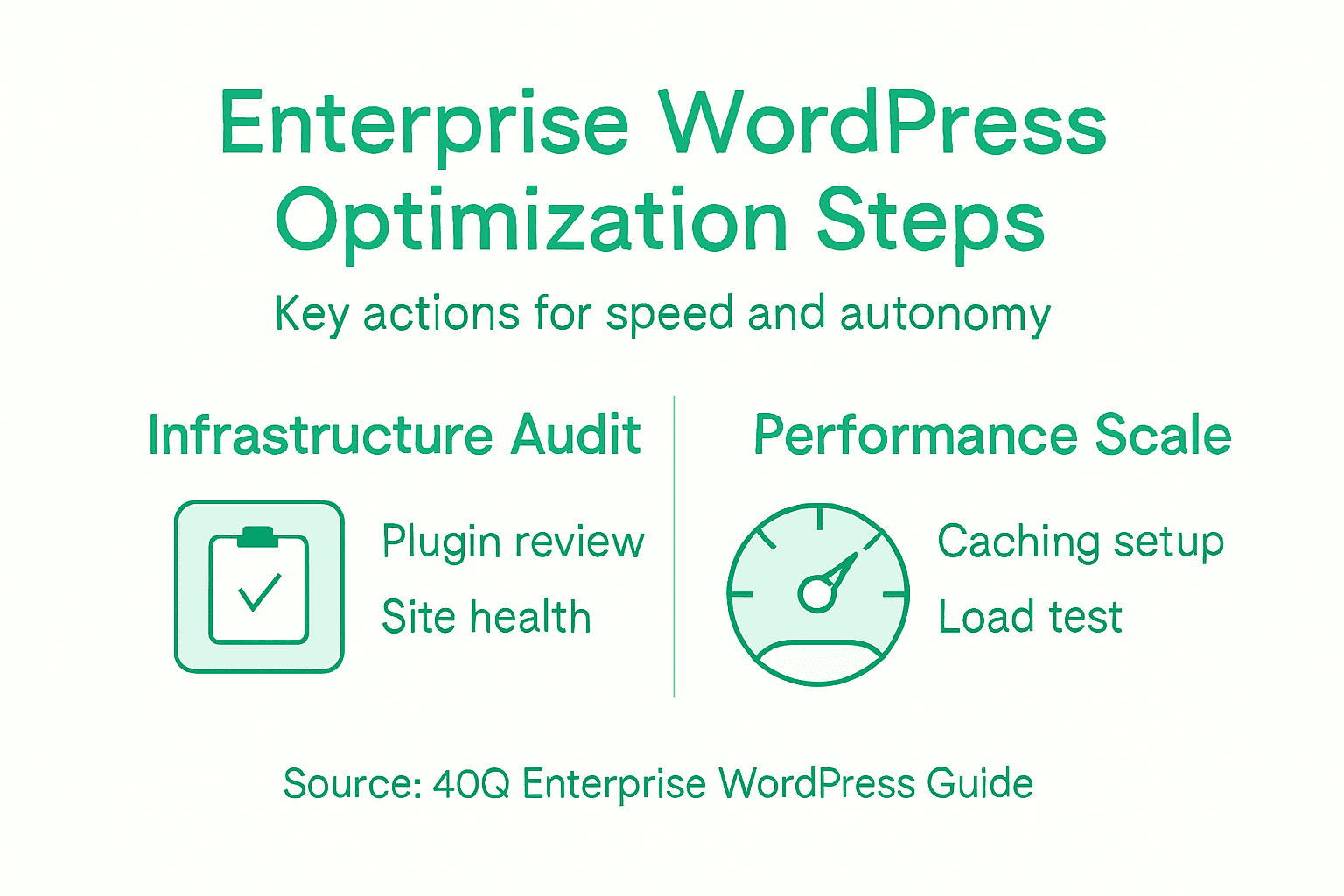
Start by implementing a multi-layered caching strategy. Page caching, object caching, and database optimization dramatically reduce server load by storing computed results instead of recalculating them on every request. Page caching stores static HTML versions of your pages. Object caching stores database queries in memory. Database caching reduces query overhead through proper indexing and optimization.
Your caching layers should work like this:
- Browser caching: Instruct visitor browsers to cache static assets like images and CSS files
- CDN caching: Distribute static content globally through a content delivery network, serving files from locations near your visitors
- Server-side caching: Use tools like Redis or Memcached to cache database queries and computed data
- Page caching: Cache fully rendered HTML pages for anonymous visitors
Next, deploy a content delivery network (CDN). CDNs replicate your content across servers worldwide, serving images, stylesheets, and scripts from locations closest to your visitors. This reduces latency significantly for global audiences. WordPress integrates easily with CDN services.
Optimize your database and server infrastructure. Use load balancing to distribute traffic across multiple servers. Remove unnecessary plugins that query the database excessively. Index your database tables properly. Monitor performance metrics continuously to catch bottlenecks before they impact users.
High-traffic WordPress requires planning at the infrastructure level—caching and CDNs matter far more than code optimization for sites handling millions of requests.
Implement resource optimization across the board. Compress images before uploading. Minify JavaScript and CSS. Use lazy loading for images below the fold so they load only when needed. Minimize HTTP requests through efficient asset management to reduce bandwidth consumption.
Test your performance under realistic load. Use load testing tools to simulate traffic spikes and identify where your system struggles. Fix bottlenecks before your marketing team launches major campaigns.
Pro tip: Set performance budgets for page load time (target under 2 seconds for 75th percentile visitors) and monitor them weekly—this keeps your team accountable and catches degradation before users notice.
Step 5: Validate optimization with performance and governance checks
Optimization only matters if you can measure it. Without validation, you won’t know if your changes actually work or if they introduced new problems. This step ensures your system performs reliably and meets compliance requirements.
Begin with performance testing. Use tools like Google Lighthouse, WebPageTest, or your hosting provider’s monitoring dashboard to measure page load times, core web vitals, and resource consumption. Test under realistic conditions—simulate your actual traffic patterns and user behavior. Document baseline metrics before optimization so you can measure improvements accurately.
Create a performance monitoring routine that tracks these metrics:
- Page load time: Measure time to first contentful paint and largest contentful paint
- Core Web Vitals: Monitor loading performance, interactivity, and visual stability
- Server response time: Track backend performance and database query efficiency
- Resource usage: Watch CPU, memory, and bandwidth consumption during traffic spikes
- Error rates: Monitor 404 errors, timeouts, and failed requests
Implement server and application-level performance optimization monitoring to validate that your caching, CDN, and infrastructure changes deliver expected results. Compare metrics weekly to catch performance regressions early.
Governance means continuous validation—if you’re not measuring performance, you can’t manage it.
Establish governance practices around code quality and standards compliance. Use validation tools to check website code quality, accessibility, and standards adherence. This ensures your WordPress implementation meets global web standards, reducing errors that compromise performance and reliability under load.
Conduct regular audits examining:
- Plugin health: Review which plugins are active, outdated, or underutilized
- Security status: Verify access controls, user permissions, and compliance measures remain intact
- Code quality: Validate that custom code follows WordPress best practices
- Accessibility: Ensure your site meets WCAG standards for diverse users
Document your governance framework. Create a checklist of performance targets, security requirements, and compliance obligations. Schedule monthly reviews where your team examines metrics, identifies issues, and plans improvements. Automate what you can with monitoring alerts that notify your team when performance drops below thresholds.
Pro tip: Set up automated performance alerts for critical metrics so your team gets notified immediately if page load time exceeds your target—this enables faster response to issues before they impact your marketing campaigns.
The following table highlights key tools and tests to validate WordPress enterprise optimization:
| Validation Tool | Primary Purpose | When to Use |
|---|---|---|
| Google Lighthouse | Page speed & SEO audit | After major deployments |
| WebPageTest | Real-world performance metrics | Pre- and post-traffic spike |
| Load Testing Suite | Scalability validation | Before campaigns |
| Audit Logs | Track content and access changes | During security reviews |
| Accessibility Validator | Check WCAG compliance | With each template update |
Here’s a quick overview of how each optimization step impacts marketing autonomy and IT management:
| Step | Marketing Benefit | IT Responsibility |
|---|---|---|
| Site Audit | Faster issue identification | Address technical bottlenecks |
| FAS Blocks | Independently launch pages | Enforce system standards |
| Security Controls | Safe content freedom | Design fine-grained permissions |
| Performance Scaling | Reliable high-speed access | Maintain robust infrastructure |
| Governance Checks | Confident campaign launches | Monitor compliance and health |
Unlock Marketing Autonomy and Speed with 40Q’s Enterprise WordPress Expertise
The challenges highlighted in the article around reducing developer dependency and accelerating content deployment resonate deeply with many medium and large organizations. Pain points such as managing complex plugin dependencies, ensuring robust security controls, and scaling performance for high-traffic environments require a tailored solution that balances marketing freedom with IT governance. At 40Q, we specialize in transforming these challenges into opportunities by implementing our proprietary FAS Block System™ on top of WordPress. This innovative system empowers marketing teams to independently launch landing pages, campaigns, and localized content quickly while IT maintains full control over security, scalability, and compliance.
Our enterprise-grade WordPress platforms are built specifically for organizations seeking a seamless blend of autonomy and speed without sacrificing reliability or governance. By leveraging best practices in plugin management, security hardening, and performance scaling, we help you achieve the exact optimization goals outlined in How to Optimize Enterprise WordPress for Autonomy and Speed. Discover how your marketing team can gain unprecedented agility with our modular block architecture while your IT team secures the environment for long-term success.
Experience the freedom and control your organization deserves. Visit our landing page to learn how 40Q can help you deploy powerful WordPress solutions designed for high-traffic, content-intensive enterprises ready to accelerate speed to market.
Elevate your WordPress journey with 40Q. Explore our full range of services today at 40Q.
Frequently Asked Questions
Recommended

Feb 15, 2026
WordPress
Scalable Web Publishing: Empowering Enterprise Teams

Nov 7, 2024
WordPress
5 Things You Didn’t Know WordPress Could Do
Jun 18, 2026
WordPress