
WordPress
Website compliance checklist 2026: secure WordPress sites

José Debuchy
March 20, 2026 | 3 min to read
Enterprise WordPress sites face mounting pressure in 2026 as security threats evolve faster than ever. Marketing and IT leaders know that 60% ignore core updates, leading to vulnerabilities that expose sensitive data and damage brand reputation. A single overlooked update can cascade into compliance failures, regulatory penalties, and lost customer trust. This guide delivers a practical checklist to maintain security, optimize performance, and keep your enterprise WordPress platform compliant throughout 2026.
Key takeaways
| Point | Details |
|---|---|
| Regular updates prevent breaches | Monthly core and plugin updates close security gaps before attackers exploit them |
| Scheduled audits maintain compliance | Quarterly database optimization and security scans catch issues early |
| Clear checklists simplify management | Structured monthly, quarterly, and annual tasks reduce risk and workload |
| Enterprise tools enhance security | Automated monitoring and backup systems provide continuous protection |
Understanding why website compliance matters in 2026
WordPress powers millions of enterprise sites, making it a prime target for sophisticated attacks. Cybercriminals actively scan for outdated installations, knowing that delayed updates create easy entry points. When marketing teams push content without coordinated security protocols, or IT departments defer maintenance during busy quarters, vulnerabilities multiply.
The consequences extend beyond technical issues. Data breaches trigger mandatory disclosure requirements under privacy regulations like GDPR and CCPA. Customers abandon sites that display security warnings or suffer downtime. Search engines penalize slow, compromised sites with lower rankings. Every day without proper maintenance increases legal exposure and operational risk.
Compliance isn’t just about avoiding problems. It enables marketing autonomy by establishing reliable systems that support rapid content deployment without compromising security. IT teams gain visibility into site health through consistent monitoring. Together, both departments can confidently scale digital operations knowing the foundation remains secure.
A comprehensive website security checklist addresses these challenges systematically. The key is treating compliance as an ongoing practice, not a one time project.
Critical compliance priorities for 2026:
- Core WordPress updates released monthly to patch discovered vulnerabilities
- Plugin and theme updates that close security gaps and improve functionality
- Regular database optimization to maintain performance under high traffic loads
- Automated backups ensuring rapid recovery from any incident
- Access control audits preventing unauthorized changes
“The majority of WordPress security issues stem from postponed updates and insufficient monitoring. Organizations that implement structured maintenance schedules reduce breach risk by over 70%.”
Marketing and IT collaboration becomes essential when compliance requirements touch both departments. Marketing needs the freedom to publish quickly while IT maintains security standards. Clear protocols and shared dashboards create transparency without bottlenecks.
Preparing your website for compliance: prerequisites and tools
Effective compliance starts with proper preparation. Define who owns each maintenance task, establish update schedules, and select tools that automate repetitive work. Without this foundation, even the best checklist becomes difficult to execute consistently.
Start by mapping responsibilities across teams. Marketing typically handles content updates and user experience monitoring. IT manages core system updates, security configurations, and performance optimization. Both teams should review compliance dashboards showing update status, security scan results, and backup verification.
Automation tools eliminate manual tracking burden. Managed WordPress hosts often include automatic core updates and daily backups. Security plugins scan for malware and suspicious file changes continuously. Monitoring services alert teams immediately when issues arise, enabling rapid response before problems escalate.

Compliance policies document your approach and ensure consistency. These policies should specify update windows, backup retention periods, who approves changes, and escalation procedures for security incidents. Regular audits and database optimization improve site health by preventing gradual performance degradation.
Essential preparation steps:
- Assign clear ownership for each compliance task category
- Implement staging environments for testing updates before production deployment
- Configure automated backup systems with offsite storage
- Install security monitoring and malware scanning tools
- Create shared dashboards showing real time compliance status
Pro Tip: Schedule a monthly compliance review meeting where marketing and IT discuss upcoming updates, review audit findings, and adjust processes based on lessons learned.
| Tool Category | Primary Function | Update Frequency | Team Owner |
|---|---|---|---|
| Core WordPress | System security and features | Monthly | IT |
| Security Scanner | Malware and vulnerability detection | Daily (automated) | IT |
| Backup System | Data recovery and redundancy | Daily (automated) | IT |
| Performance Monitor | Speed and uptime tracking | Continuous | Both |
| Content Audit | Link checking and SEO health | Quarterly | Marketing |
Selecting the right top website security tools depends on your organization’s size, traffic volume, and regulatory requirements. Enterprise platforms need solutions that scale without adding complexity. Look for tools that integrate with existing workflows rather than requiring separate logins and manual checks.
Your enterprise website maintenance guide should document tool configurations, access credentials, and escalation contacts. This documentation becomes critical during incidents when quick action prevents minor issues from becoming major problems.
Executing the website compliance checklist: monthly, quarterly, and annual tasks
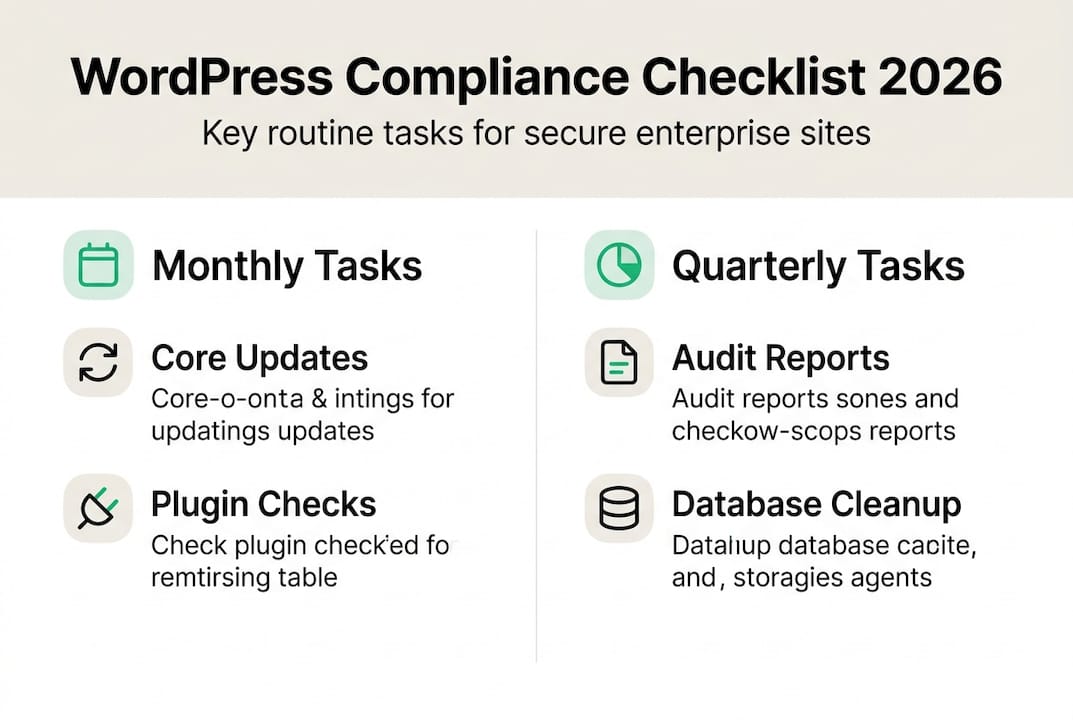
Consistent execution separates compliant sites from vulnerable ones. Break maintenance into monthly, quarterly, and annual tasks to distribute workload and ensure nothing gets overlooked. This rhythm creates predictable windows for updates while maintaining continuous protection.
Monthly compliance tasks:
- Apply WordPress core updates within 48 hours of release
- Update all plugins and themes, testing critical functionality afterward
- Verify automated backups completed successfully and test restoration process
- Run security scans and address any flagged vulnerabilities immediately
- Check broken links across high traffic pages
- Review access logs for suspicious activity patterns
- Monitor site speed and address performance degradation
- Document all changes and issues in compliance log
Monthly tasks form your first line of defense. Maintenance includes monthly updates, backups, link checks, quarterly audits, and database optimization as core requirements. Most security breaches exploit known vulnerabilities that updates would have prevented.
Quarterly compliance tasks:
- Conduct comprehensive security audit including penetration testing
- Optimize database tables and remove unnecessary revisions
- Review and update user permissions, removing inactive accounts
- Audit installed plugins, removing unused ones to reduce attack surface
- Test disaster recovery procedures with full site restoration
- Review SSL certificate status and renewal dates
- Analyze performance metrics and implement optimization recommendations
- Update compliance documentation with process improvements
Quarterly reviews catch issues that monthly checks might miss. Database bloat gradually slows sites as content accumulates. Unused plugins create unnecessary risk. Regular audits maintain optimal configuration as your site evolves.
Pro Tip: Schedule quarterly tasks during low traffic periods to minimize user impact. Communicate maintenance windows to stakeholders in advance so teams can plan content schedules accordingly.
| Task Frequency | Primary Focus | Time Investment | Risk Reduction |
|---|---|---|---|
| Monthly | Security updates and backups | 2-4 hours | High (prevents 80% of breaches) |
| Quarterly | System optimization and audits | 4-8 hours | Medium (catches emerging issues) |
| Annual | Comprehensive review and planning | 8-16 hours | Medium (strategic improvements) |
Annual compliance tasks:
- Complete full compliance audit against current regulations
- Review and update security policies and procedures
- Assess hosting infrastructure for scalability and redundancy
- Evaluate new security tools and monitoring capabilities
- Conduct team training on updated compliance requirements
- Generate annual compliance report for stakeholders
- Plan infrastructure upgrades for the coming year
- Review vendor security certifications and SLAs
Annual tasks ensure your compliance program evolves with changing threats and regulations. Technology advances quickly. What worked last year might need adjustment as new attack vectors emerge or regulatory requirements tighten.
Your maintenance guide and performance optimization strategy should align with these scheduled tasks. Consistent execution builds confidence that your site remains secure and performant regardless of traffic spikes or content volume.
Verifying compliance and continuous improvement
Execution means nothing without verification. Compliance dashboards provide real time visibility into update status, security scan results, and backup success rates. These dashboards should be accessible to both marketing and IT teams, creating shared accountability for site health.
Track key compliance metrics monthly. What percentage of updates deployed on schedule? How many security vulnerabilities detected and resolved? Did all backups complete successfully? How quickly did teams respond to alerts? These metrics reveal process strengths and gaps.
Essential verification activities:
- Review compliance dashboard weekly for status updates
- Verify backup integrity through regular restoration tests
- Confirm security scan completion and vulnerability resolution
- Track update deployment time from release to production
- Monitor user reports of security warnings or performance issues
- Document all compliance activities in centralized log
Implement feedback loops that turn findings into improvements. When updates cause compatibility issues, document the problem and adjust testing procedures. When audits reveal configuration gaps, update checklists to prevent recurrence. Continuous improvement transforms compliance from reactive firefighting to proactive risk management.
“Organizations that ignore core updates face exponentially higher breach risk. The 60% who delay critical patches often discover vulnerabilities only after exploitation, when recovery costs dwarf prevention expenses.”
Your website security guide should emphasize verification as equally important as execution. Many organizations complete tasks but fail to confirm effectiveness. Testing backups, validating security configurations, and monitoring for anomalies catch issues before they impact users.
Compliance verification also supports audit requirements. When regulators or executives ask about security posture, comprehensive logs and metrics provide clear evidence of diligent maintenance. This documentation protects your organization during incident investigations and demonstrates commitment to best practices.
Establish clear escalation procedures for discovered issues. Minor vulnerabilities might wait for the next maintenance window. Critical security flaws demand immediate patching regardless of schedule. Define severity levels and response timeframes so teams know when to act urgently versus when to follow standard procedures.
Enhance your compliance with 40Q’s WordPress VIP services
Maintaining enterprise WordPress compliance requires expertise, tools, and consistent execution. 40Q delivers all three through our WordPress VIP partnership, combining robust security with the marketing autonomy your teams need.
Our WordPress VIP services provide enterprise grade infrastructure with built in compliance features. Automatic updates, continuous monitoring, and redundant backups happen seamlessly in the background. Your teams focus on content and campaigns while we ensure security and performance never compromise.
The benefits of WordPress VIP extend beyond basic hosting. Our proprietary FAS Block System™ empowers marketing teams to launch campaigns quickly without developer dependency, while IT maintains full control over security, scalability, and governance. This balance eliminates the tension between speed and safety.
Our enterprise website security guide approach integrates compliance into daily workflows rather than treating it as separate overhead. Automated systems handle routine maintenance while expert teams monitor for emerging threats and optimization opportunities.
Frequently asked questions
Recommended

Mar 14, 2026
WordPress
Custom CMS solutions for enterprise growth in 2026

Mar 21, 2026
WordPress
7 essential campaign management tips for enterprise marketing pros

Mar 19, 2026
WordPress