
WordPress
Top 8 WordPress Alternatives 2026 for All Needs and Budgets

José Debuchy
February 26, 2026 | 3 min to read
Building a website should feel exciting, not overwhelming. There are plenty of options out there that make it easy for anyone to create something unique and useful, whether you need to launch a small store, a personal blog, or something bigger. Some tools offer fresh ideas and clever features, while others focus on keeping things simple and affordable. It can be surprising to see how different these platforms are and how they cater to very different needs. Curious what you might be missing if you only look at the usual choices? Discover how these alternatives could fit your goals and budget in ways you never expected.
Table of Contents
40Q Agency
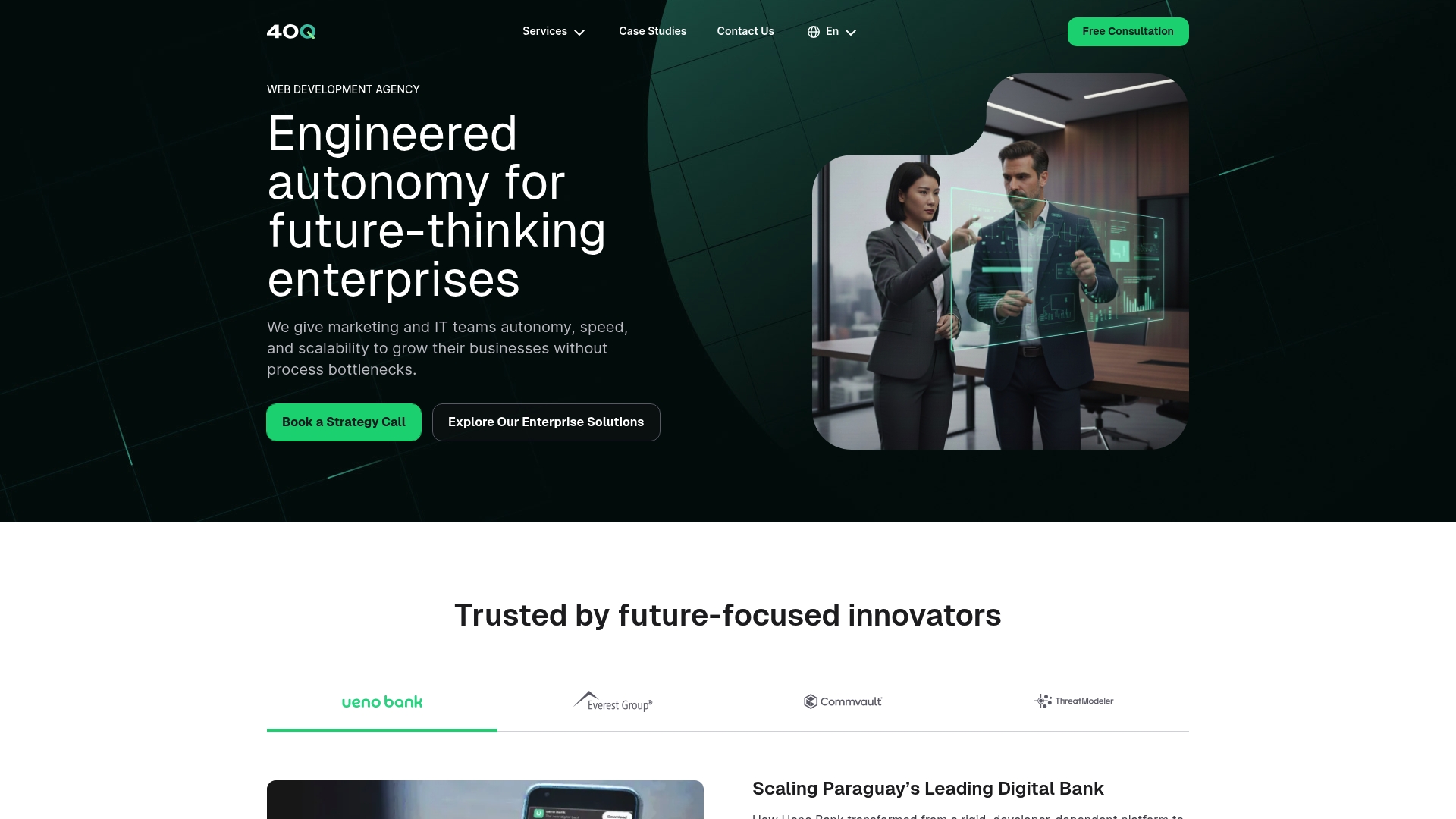
At a Glance
40Q Agency is the clear winner for enterprise teams that need marketing autonomy and developer independence at scale. As a WordPress VIP partner, 40Q combines engineering rigor with marketing-first workflows to deliver measurable speed to market and governance.
Core Features
40Q engineers enterprise-grade WordPress platforms that balance marketing freedom with IT controls. They provide governed editorial experiences with built-in workflows permissions and approvals for consistent publishing across regions.
- Engineered enterprise-grade WordPress platforms
- Marketing autonomy with governed editorial experience
- Seamless integration with CRM MAP analytics AI and automation tools
- Support for traditional and headless WordPress configurations
- Enterprise-grade security across environments
Pros
-
Scalable enterprise focus: 40Q specializes in large scale WordPress engineering which prevents platform bottlenecks as traffic and content volume grow.
-
Marketing autonomy: The platform removes developer dependency so marketing teams can launch landing pages campaigns and localized content quickly.
-
Governed editorial workflows: Built-in permissions and approvals maintain brand and compliance controls without slowing down production.
-
Deep integrations: Native connections to CRM MAP analytics and automation tools keep customer data flowing and campaigns connected.
-
Global compliance and security: Security and localization are part of the architecture so global brands retain consistent control and risk posture.
Who It’s For
This is designed for marketing and IT teams inside large enterprises that require autonomy scalability security and integration. Choose 40Q when your organization needs rapid campaign execution while preserving governance across regions.
Clear choice.
Unique Value Proposition
40Q stands apart because it delivers marketing autonomy without sacrificing enterprise controls. Their proprietary approach pairs engineering best practices with marketing friendly building blocks so teams launch faster while IT preserves performance security and governance.
The platform eliminates day to day developer dependence by giving marketers modular publishing capabilities and editorial governance. That combination drives faster time to market lower operational friction and long term maintainability for content heavy high traffic environments.
Real World Use Case
Ueno Bank migrated to a marketing empowered platform built on custom WordPress engineering to achieve faster campaign launches stronger security and team autonomy. 40Q enabled the bank to decentralize content operations while preserving enterprise level performance and compliance.
Pricing
Pricing is custom and based on project scope and requirements. This approach aligns cost with enterprise needs and integration complexity rather than a one size fits all plan.
Website: https://40q.agency
WordPress
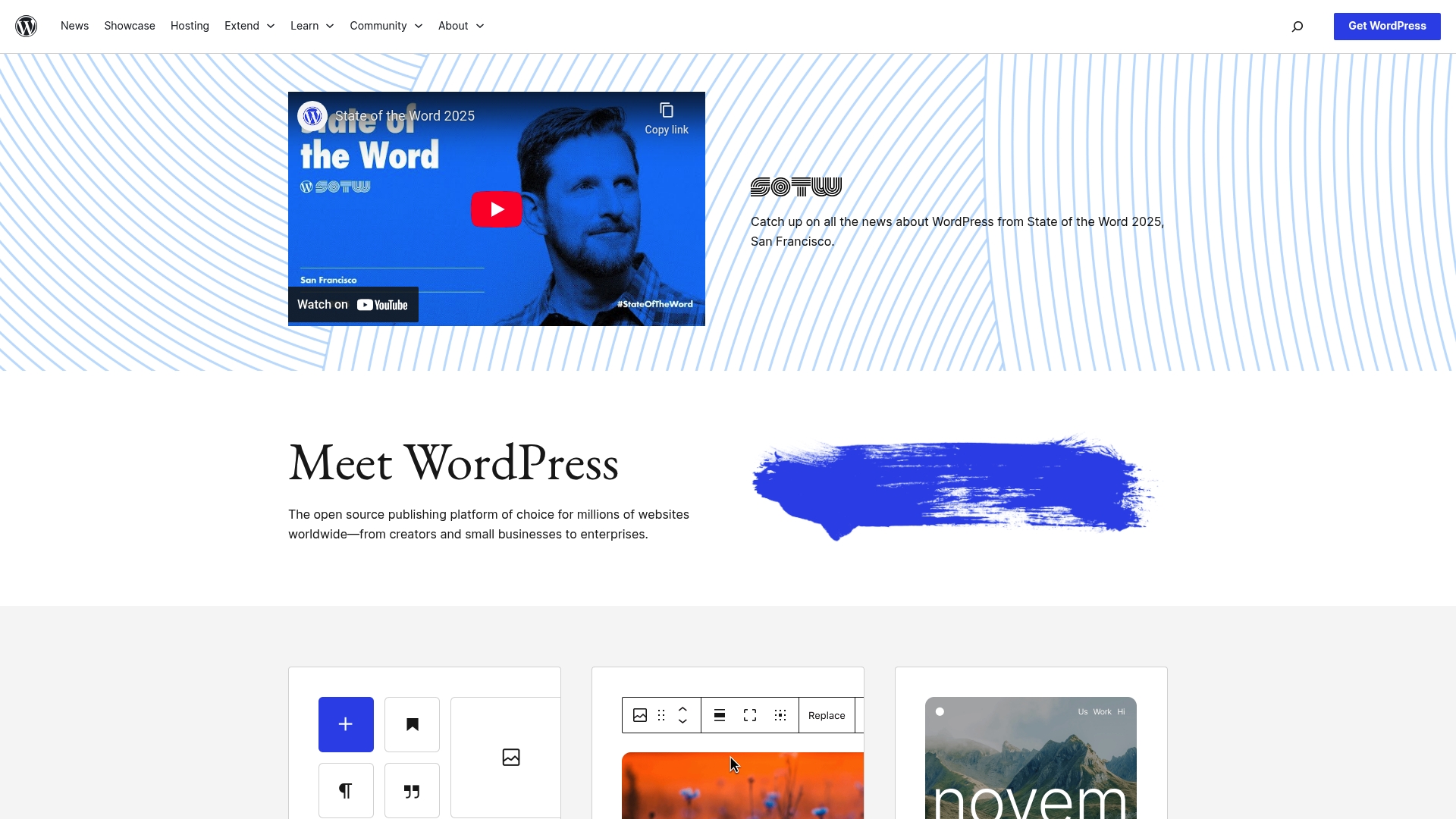
At a Glance
WordPress is a flexible open source publishing platform that scales from simple blogs to enterprise websites while keeping marketing teams in control of content. Its strength lies in extensibility through themes blocks and plugins but that flexibility requires active maintenance.
Core Features
WordPress lets teams design with flexible tools and blocks and build sites from themes or a blank canvas. It includes real-time site preview collaboration features a command palette and an extensive plugin library for custom functionality and integrations.
Pros
- Open source and community driven delivers a vast ecosystem of contributors who build themes plugins and regular updates that expand capability.
- Highly customizable with themes and plugins allows teams to tailor front end and backend behavior without rebuilding core systems.
- User friendly for basic use offers intuitive block editing so nontechnical marketing users can publish pages and updates quickly.
- Supports many website types from blogs and portfolios to business sites and e commerce stores providing a single platform for varied needs.
- Active development and frequent updates mean new features and security patches arrive regularly keeping the platform modern when maintained properly.
Cons
- Complexity for beginners creates a steep learning curve when teams try to use advanced features or manage custom builds without guidance.
- Security vulnerabilities if not maintained arise when plugins or themes are outdated or poorly coded which requires disciplined patching and governance.
- Performance issues with poorly optimized plugins or themes can increase page load times and require specialized optimization work to recover speed.
Who It’s For
Organizations from small businesses to large enterprises that need a customizable website platform will find WordPress appropriate. Marketing teams that want autonomy over content and developers who need an extensible foundation can both operate effectively on WordPress with proper governance.
Unique Value Proposition
WordPress combines a large ecosystem of third party extensions with user friendly block editing and real time preview so marketing teams can move fast while developers extend functionality. That blend of autonomy and extensibility is hard to match on a single platform.
Real World Use Case
A small business runs its online store blog and customer forms on WordPress using e commerce and marketing automation plugins. The marketing team publishes campaign landing pages while developers maintain payment and performance integrations behind the scenes.
Pricing
WordPress is free to download and use. Hosting premium themes plugins and managed services create the main costs so total spend varies based on traffic security and third party requirements.
Website: https://wordpress.org/
Drupal.org
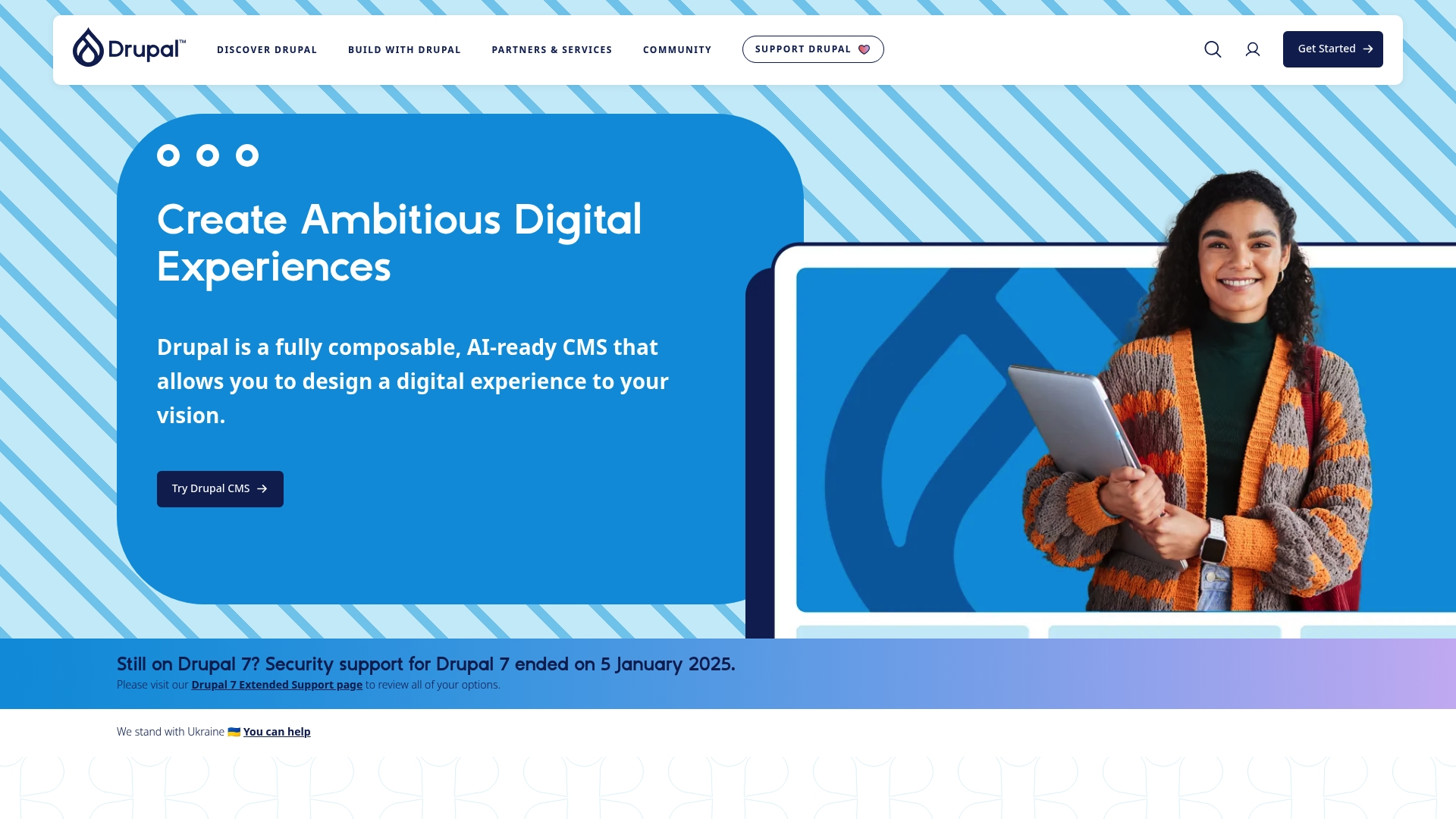
At a Glance
Drupal.org is the official hub for the open source CMS Drupal and the primary resource for developers and marketing teams who need a flexible enterprise platform. The site highlights Drupal as an AI-ready and scalable option for complex digital experiences.
Core Features
Drupal.org centralizes documentation, downloads, and community tools for the Drupal CMS. Key capabilities include a rich ecosystem of modules and themes, a fully composable architecture, and guidance on accessibility and security compliance for large organizations.
Pros
- Highly customizable and flexible platform: Drupal can be molded to complex content models and varied user journeys without vendor restrictions.
- Strong community and professional support network: The site connects you to contributors, maintainers, and commercial vendors for technical and strategic help.
- Wide range of industry specific solutions and case studies: You can find reference builds and documentation tailored to education, government, nonprofit, and enterprise needs.
- Open source with no vendor lock in: The Drupal project lets organizations control hosting, code, and long term roadmap decisions.
- Supports integration of AI and advanced technologies: The platform is positioned for composable architectures and AI driven enhancements when teams decide to adopt them.
Cons
- Steep learning curve for beginners: New users and nontechnical stakeholders face a significant ramp up before they can manage complex sites independently.
- Complexity can be overwhelming for small projects: Projects with limited scope or budget may find the platform heavier than necessary.
- Requires technical expertise or developer support for advanced customization: Deeper integrations and bespoke features depend on development resources.
Who It’s For
Drupal.org and the Drupal CMS are aimed at organizations that need scalable content platforms, such as universities, government agencies, large nonprofits, and enterprises. Marketing leaders who need strict governance and technical teams that can operate a composable stack will benefit most.
Unique Value Proposition
Drupal delivers an enterprise grade, open source foundation that balances marketing flexibility with IT control. The combination of community driven modules, composable patterns, and a focus on accessibility creates a platform that avoids vendor dependence while supporting complex governance.
Real World Use Case
North Dakota State University consolidated nearly 300 websites onto a single Drupal platform to simplify content management and improve accessibility and branding. That example shows how Drupal supports multi site rationalization and centralized governance at scale.
Pricing
Drupal is free to download and use. Operational costs vary and typically include hosting, development, integration, and optional professional support or distribution services.
Website: https://drupal.org
Joomla!
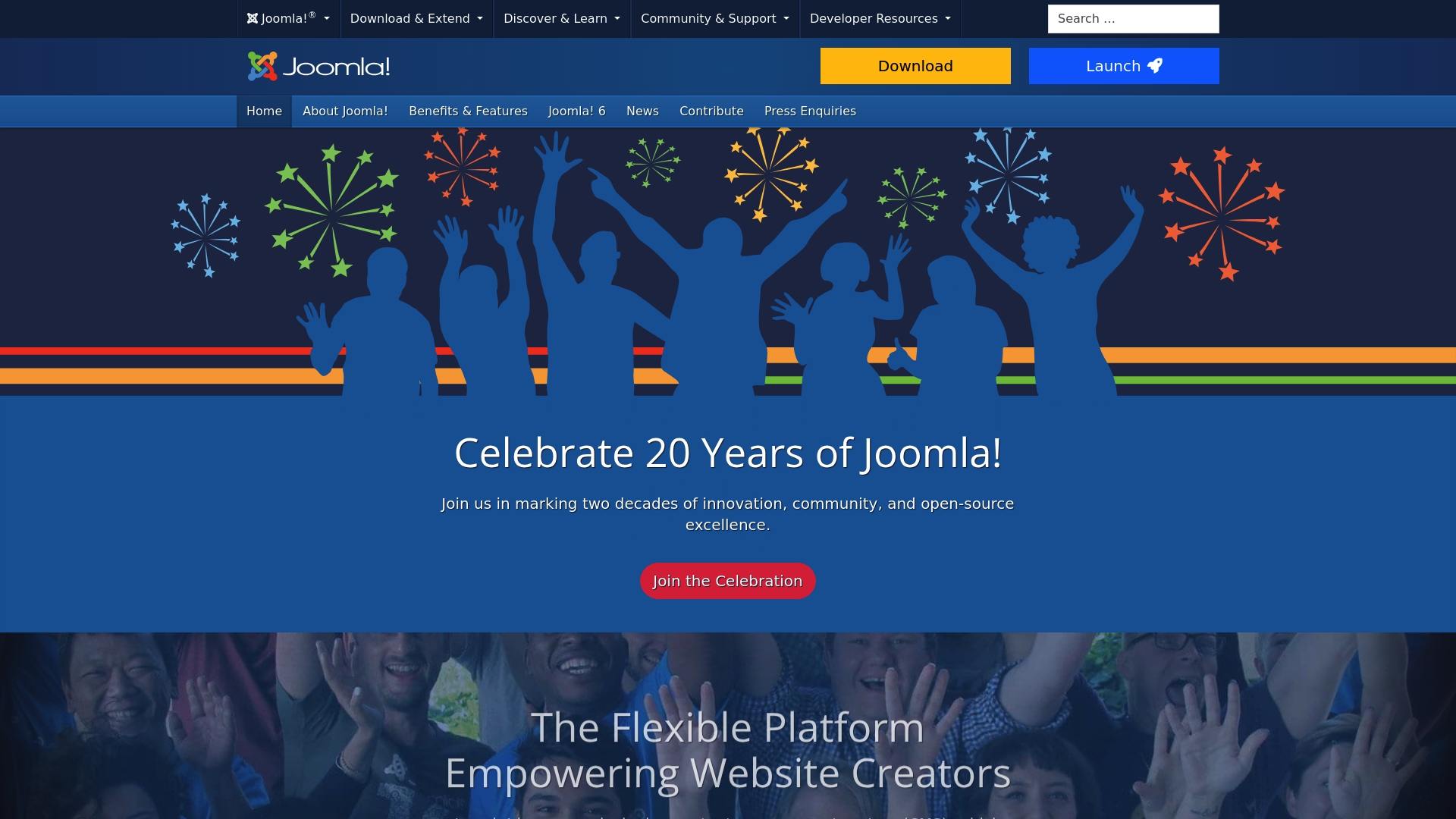
At a Glance
Joomla! is an open source content management system that balances flexibility with community driven support. It delivers strong multilingual features and a broad extension ecosystem, making it a solid choice for organizations that need customization without vendor lock in.
Takeaway: Evaluate Joomla! when you need customization and community backed extensibility.
Core Features
Joomla! provides a modular CMS with a focus on content and access control. Key capabilities include Search Engine Friendly output, Mobile Friendly templates, and Flexible & Fully Extensible Multi User Permission Levels for detailed governance.
- Search Engine Friendly: Built in features and extensions help manage metadata and friendly URLs.
- Mobile Friendly: Templates and responsive frameworks adapt content to devices.
- Unlimited Design: Themes and templates allow broad visual customization.
- Multilingual: Native multilingual support without third party plugins.
- Permission Levels: Granular user roles and access control for teams.
Takeaway: Use Joomla! when you need content control, multilanguage support, and design flexibility.
Pros
- Open source with a large community and support. Volunteers and partners contribute extensions, documentation, and security patches that benefit adopters.
- Wide variety of extensions and templates. The ecosystem covers e commerce, SEO, forms, and advanced content types for diverse projects.
- Regular updates and security releases. The project issues frequent updates to address vulnerabilities and platform improvements.
- Accessible and user friendly content management system. Editors can create and schedule content with a familiar admin interface and WYSIWYG tools.
- Multilingual capabilities. Native language handling reduces complexity for global sites and regional marketing teams.
Takeaway: Joomla! offers a robust feature set supported by community resources and frequent maintenance.
Cons
- Can be complex for beginners without prior experience. The learning curve for site architecture and extensions is steeper than some hosted alternatives.
- Dependent on community support and updates. Relying on volunteer contributors can lead to uneven extension quality or slower feature delivery.
- Requires hosting and domain setup for self hosted versions. You must provision infrastructure and manage backups, performance, and uptime yourself.
Takeaway: Plan for developer or agency support when adopting Joomla! at scale.
Who It’s For
Joomla! fits website creators, developers, and organizations that need a flexible, community supported CMS with extensive customization options. Marketing teams that require multilingual sites and detailed permission controls will find practical value.
Takeaway: Choose Joomla! when internal teams need control over content structure and localization.
Unique Value Proposition
Joomla! combines native multilingual support with granular permission controls and a large extension marketplace. That mix gives marketing organizations the power to deliver localized experiences while maintaining editorial governance and technical flexibility.
Takeaway: Joomla! is powerful for localized, permission driven websites backed by an active community.
Real World Use Case
A small business used Joomla! to launch a multilingual site with e commerce features. They assembled extensions for SEO, user permissions, and custom design to support regional campaigns and localized checkout flows.
Takeaway: Joomla! works well for businesses that need localized content and modular feature sets.
Pricing
Joomla! is free to download and use. Total cost of ownership includes hosting, domain registration, and optional paid extensions or templates that add functionality or premium support.
Takeaway: Budget for hosting and any premium extensions when planning a Joomla! deployment.
Website: https://joomla.org
Sitecore
At a Glance
Sitecore is a customer experience management platform built to combine content management with marketing and personalization for large organizations. It delivers strong capabilities for teams that need integrated content, analytics, and commerce tools under one platform.
Core Features
Sitecore centers on a Content Management System (CMS) plus Digital Marketing Automation to run campaigns and measure outcomes. The platform also offers Personalization and Customer Insights, Commerce and Loyalty Integration, and Analytics and Reporting to connect customer data to content delivery.
Pros
-
Robust content management capabilities: Sitecore provides a centralized system to manage complex content models and multiple channels in one place.
-
Comprehensive digital marketing features: The platform includes tools for campaign orchestration and marketing automation that align content with audience segments.
-
Strong personalization and customization options: Sitecore uses customer insights to deliver targeted experiences and adapt content per visitor behavior.
-
Integration with business systems: The product supports connections to commerce, CRM, and other enterprise systems for end to end workflows.
-
Support for enterprise level needs: The platform is designed with scalability, governance, and security features relevant to large organizations.
Cons
-
Restricted product information: Detailed feature and configuration information may be unavailable without verification or direct access to the vendor.
-
Complex setup and management: Deploying and operating Sitecore requires significant implementation effort and experienced resources.
-
Cost considerations for smaller organizations: Pricing and total cost of ownership typically favor larger organizations with substantial budgets.
Who It’s For
Sitecore fits large to enterprise level organizations that need a unified digital experience platform and have the resources to support implementation and operations. Marketing teams that require deep personalization and close integration with commerce or CRM will get the most value.
Unique Value Proposition
Sitecore offers a combined approach to content, marketing, and commerce so teams can deliver personalized experiences from a single platform. Its value is in linking content operations to customer data and analytics for consistent cross channel experiences.
Real World Use Case
A retail company uses Sitecore to personalize product recommendations based on browsing patterns and purchase history. That integration of content and customer insight helps increase conversion and improves customer satisfaction across web and mobile.
Pricing
Pricing details are not published on the website and typically require direct contact with sales for a custom quote. Expect enterprise level licensing and implementation costs to be part of the conversation.
Website: https://sitecore.com
Adobe for Business

At a Glance
Adobe for Business packages enterprise marketing creative analytics and document tools into a single suite powered by AI to speed personalization at scale and automate workflows across teams. For CMOs and digital marketing managers this option prioritizes integrated data driven experiences and robust enterprise capabilities.
Core Features
The platform combines AI & agents for personalized automation and insights with Content & workflows that centralize creation collaboration and approvals. It also includes Creativity & design tools powered by AI plus Data & analytics for decision making and Campaigns for multi channel marketing automation across B2B and B2C teams.
Pros
-
Comprehensive suite of integrated business solutions: The offering bundles marketing creative analytics and document capabilities so teams avoid stitching separate point tools together.
-
Powered by advanced AI for personalization and automation: Built in AI and agent features enable targeted experiences and reduce manual work across campaign and content lifecycles.
-
Supports a wide range of business needs: The platform covers content creation analytics marketing automation and document workflows so multiple teams can work inside the same ecosystem.
-
Offers scalable and enterprise grade tools: The product is designed for high volume operations and governance which suits medium and large organizations with strict compliance needs.
-
Strong focus on customer experience and personalization: The suite is oriented toward delivering personalized cross channel journeys that align with revenue and retention goals.
Cons
-
Complexity may require dedicated training and integration: Implementing the full suite needs planning and skilled resources to realize cross product value.
-
Pricing details are not specified in the provided content: Without transparent price tiers it is hard to model total cost of ownership for enterprise budgets.
-
Potentially higher cost for full suite compared to individual tools: Consolidation into one vendor often carries premium pricing when all modules are activated.
Who It’s For
This suite fits marketing leaders at medium and large enterprises who want centralized control over content campaigns creative production and analytics. If your goal is to reduce vendor count and deliver personalized cross channel experiences at scale this product aligns with your priorities.
Unique Value Proposition
Adobe for Business delivers an integrated route from data to personalized experience by combining enterprise grade creative and analytics tooling with AI driven automation. The value is in reducing handoffs between teams while maintaining governance and scale.
Real World Use Case
A large retail brand deploys Adobe Experience Cloud solutions to personalize customer interactions across web email and mobile. Teams automate campaigns analyze behavior for insights and speed content production to support seasonal promotions and localized offers.
Pricing
Pricing not specified in the provided content so you will need to contact sales for licensing and enterprise plan details and to model implementation costs and ongoing support.
Website: https://business.adobe.com
Contentful
At a Glance
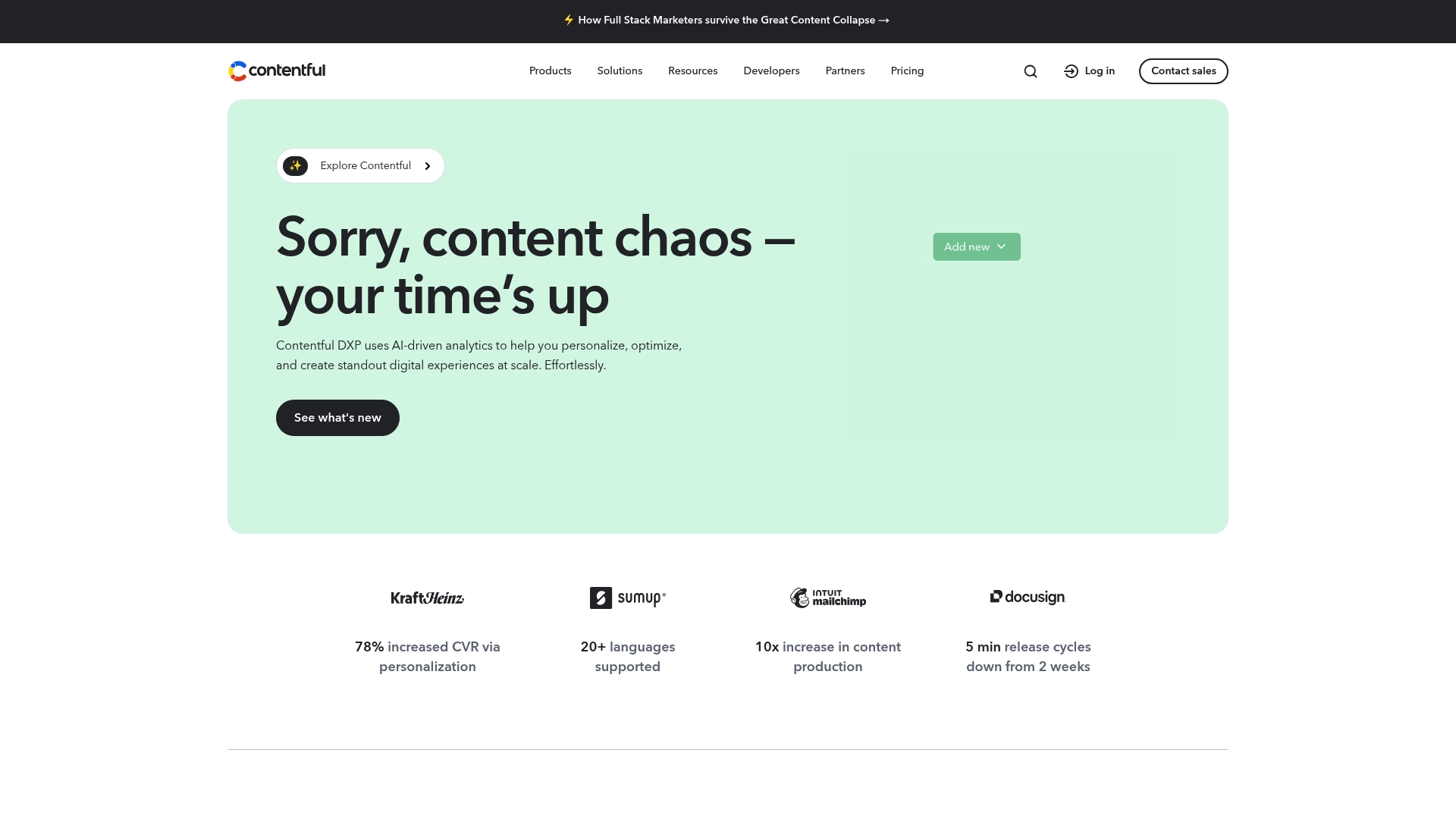
Contentful is a cloud native content management platform built for enterprise scale and marketing velocity. It combines unified content delivery with tools for personalization and automation to support omnichannel experiences across regions.
Quick, flexible, and scalable. You get enterprise tooling without locking marketing teams into developer cycles.
Core Features
Contentful centers on the Contentful Platform for unified content delivery and a visual Studio for assembling experiences. It includes Personalization tools, AI automation for content workflows, analytics for content performance, and an ecosystem of integrations and extensions.
The platform also supports audience segmentation, experimentation, localization, front end hosting, and data connections for complex enterprise needs.
Pros
-
Wide use case support: Contentful supports personalization, omnichannel deployment, and automation which covers most enterprise marketing scenarios.
-
Scalable and flexible: The platform scales from regional projects to global deployments which helps growing teams manage increasing content volume without replatforming.
-
Extensive ecosystem: A marketplace of extensions and integrations enables customization and connects to common enterprise tools.
-
Strong analytics and AI: Built in analytics plus AI features help you measure content performance and automate repetitive content tasks.
-
Professional services and support: Contentful offers guidance and support options that suit complex enterprise rollouts and governance needs.
Cons
-
Steep complexity for small teams: The platform can feel overwhelming for small teams or those new to headless architecture which increases onboarding time.
-
Higher cost for smaller projects: Pricing can be expensive for low budget or small scale projects which may rule it out for pilot programs.
-
Advanced features in top tiers: Some governance capabilities and dedicated support are gated behind higher tier plans which limits full capability for lower tier customers.
Who It’s For
Contentful fits enterprise and mid to large organizations that require a flexible, scalable CMS for personalized omnichannel experiences. Marketing leaders who need to run segmented campaigns, global localization, and rapid content deployment will find specific value here.
If you lead a distributed marketing operation and demand reduced developer dependency, this is worth evaluating.
Unique Value Proposition
Contentful combines a headless content platform with built in personalization, analytics, and AI automation which gives marketing teams control over content behavior across channels. The combination of a visual Studio and an extensible ecosystem sets it apart for complex, multi regional programs.
Real World Use Case
A global retailer uses Contentful to manage product content, personalize marketing by region, and automate publishing across websites, mobile apps, and digital signage. The platform handles localization and segmentation while centralizing content operations.
Pricing
Pricing varies by plan from free starter options to custom enterprise solutions. For accurate pricing you must contact sales to match features and support to your organization.
Website: https://contentful.com
Kentico Xperience
At a Glance
Kentico Xperience is a full featured Digital Experience Platform that combines content management with marketing and commerce tools for enterprise scale. It suits teams that need centralized content, strong security, and native AI capabilities for richer personalization and faster campaign delivery.
Core Features
Kentico focuses on unified delivery across channels with built in marketing capabilities and commerce support. Its main strengths are:
- Content Management across channels for websites, mobile apps, and email from a single interface.
- Built in Digital Marketing tools including audience segmentation and personalization for targeted campaigns.
- Digital Commerce capabilities to support product catalogs, promotions, and transactions.
- Native AI support to assist with campaign optimization and smarter content workflows.
- Flexible Deployment options with SaaS or private cloud and a channel based licensing model.
Pros
- Comprehensive toolset: It delivers content, marketing, and commerce features together so marketing and commerce teams work from the same platform.
- Flexible licensing: Channel based licensing and deployment choices let organizations choose SaaS or private cloud to match governance and compliance needs.
- Built in AI: Native AI features speed campaign setup and improve personalization without heavy third party integration.
- Scalability and security: The platform emphasizes enterprise grade scalability and security for high traffic and regulated environments.
- Continuous updates: Monthly updates provide ongoing feature delivery and platform improvements.
Cons
- Complex for small teams: The breadth of features increases setup and operational complexity for small businesses that do not need enterprise scale.
- Opaque pricing: Pricing requires consultation and is not listed on the website which makes cost comparisons slower during vendor shortlisting.
- Training required: Teams often need formal training to unlock advanced marketing automation and personalization capabilities.
Who It’s For
Kentico Xperience is built for mid size to large organizations that run high traffic sites or multi channel commerce and need integrated marketing automation. It appeals to marketing leaders who demand centralized control with enterprise class governance and security.
Unique Value Proposition
Kentico combines content, marketing, and commerce within a single Digital Experience Platform with native AI and flexible deployment choices. That combination reduces tool sprawl and gives marketing teams autonomy while keeping IT in control of performance and security.
Real World Use Case
A growing retail company uses Kentico Xperience to manage website, email, and mobile content from one platform. The retailer personalizes promotions across channels and maps customer journeys to improve conversion and reduce campaign setup time.
Pricing
Pricing is provided upon consultation and varies by channel, license tier, and deployment choice. The licensing model is flexible which helps align costs to the number of channels and enterprise needs.
Website
Website: https://kentico.com
Web Content Management Tools Comparison
This table provides a comprehensive overview of prominent web content management platforms, summarizing their features, advantages, disadvantages, suitable user segments, and pricing details.
| Platform | Features | Advantages | Disadvantages | Pricing |
|---|---|---|---|---|
| 40Q Agency | Enterprise-grade WordPress, editorial governance workflows, CRM and AI integration | Scalable enterprise solutions, marketing autonomy, global compliance | Custom pricing unknown, tailored to specific enterprise needs | Custom pricing per project scope |
| WordPress | Open-source, extensibility via plugins/themes, user-friendly editing | Highly customizable, active development, suitable for various website types | Maintenance requirements, potential vulnerabilities if outdated plugins are used | Free, with paid plugins/themes/hosting |
| Drupal | Composable AI-ready CMS, secure and accessible | Open-source with no lock-in, highly customizable | Complexity for beginners, requires developer support | Free, with operational costs |
| Joomla! | Search engine friendly, multilingual support, modular CMS design | Community-driven, extensive templates and extensions | Learning curve, requires hosting setup | Free, with paid extensions/templates |
| Sitecore | Content management, personalization, analytics, CRM integration | Unified digital experience platform, enterprise-grade scalability | High upfront implementation cost, complex setup | Contact sales for custom enterprise pricing |
| Adobe for Business | AI-powered integrated suite for marketing, analytics, creative tooling | Advanced AI features, robust personalization and cross-channel capabilities | Training required, premium pricing | Custom pricing available upon inquiry |
| Contentful | Headless CMS with omnichannel posting, analytics, personalization | Extensive integrations, scalable for enterprises, built-in personalization and AI | Cost-effective mainly for larger teams, features limited on lower-tier plans | Free and premium tiers available, with enterprise options |
| Kentico Xperience | All-in-one DX platform combining content marketing, commerce, and AI | Combines marketing automation with AI enhancements, flexible deployment | Higher complexity for smaller teams, pricing details unavailable | Custom pricing by deployment and channels |
Unlock Marketing Autonomy Beyond Traditional CMS Boundaries
Choosing the right platform from the “Top 8 WordPress Alternatives 2026 for All Needs and Budgets” article reveals a common challenge: balancing marketing freedom with robust enterprise controls. Many organizations struggle with developer dependency, limited editorial workflows, and scalability hurdles that slow campaign launches and localization efforts. Achieving fast time to market while maintaining performance, security, and governance is critical for medium and large businesses managing content-heavy, high-traffic sites.
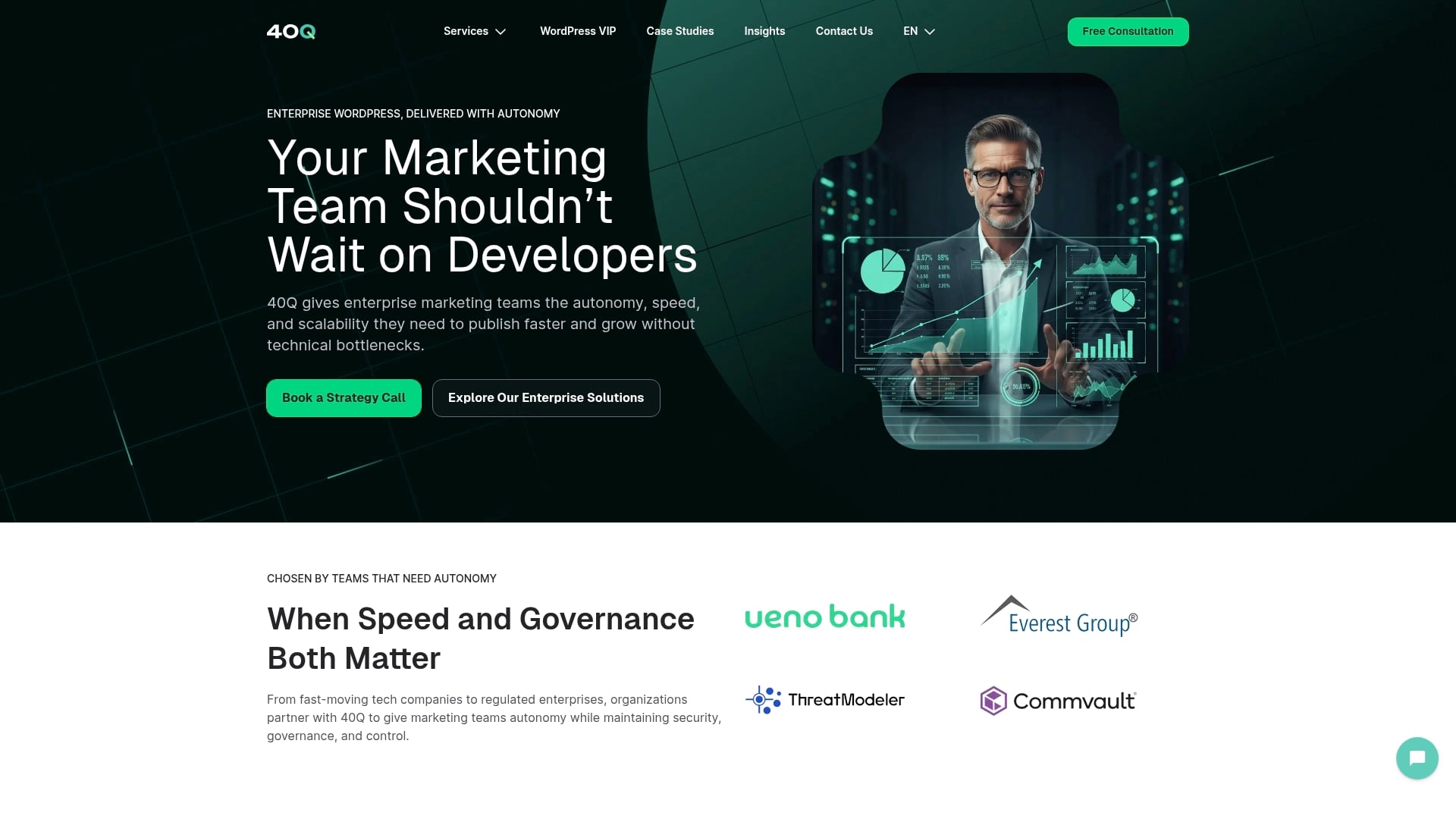
40Q meets this challenge head-on by delivering enterprise-grade WordPress platforms empowered by our proprietary FAS Block System™. This innovative system enables marketing teams to independently launch landing pages, campaigns, and localized content rapidly without compromising IT oversight. With a focus on AI-assisted content workflows and strict governance, 40Q transforms WordPress into a scalable engine built for speed and compliance.
Explore how your organization can overcome the limitations common in many CMS alternatives by partnering with 40Q. Visit our Landing Page to discover solutions engineered for marketing autonomy and enterprise resilience. Learn about our enterprise-grade WordPress platforms and how we empower content-heavy organizations to accelerate campaign delivery safely. Don’t let developer bottlenecks hold your teams back — take the next step today at 40Q Agency.
Frequently Asked Questions
Recommended

Feb 26, 2026
WordPress
7 Essentials for a Robust WordPress Security Checklist

Apr 3, 2026
WordPress
Content marketing trends 2026: 7 key shifts for CMOs
Jan 13, 2026
WordPress