
WordPress
Best 5 Marketing Automation Tools for WordPress 2026

José Debuchy
March 16, 2026 | 3 min to read
Managing marketing tasks on WordPress can feel overwhelming when you are juggling emails, social posts, and website updates all at once. Automation tools promise to lighten this load and bring order to chaos. Imagine your campaigns running smoothly even while you focus on other priorities. The right tool can completely change how you connect with your audience and track your results. Some solutions offer intuitive setups while others pack in advanced features that might surprise you. Curious about which options stand out for WordPress users heading into 2026
Table of Contents
At a Glance
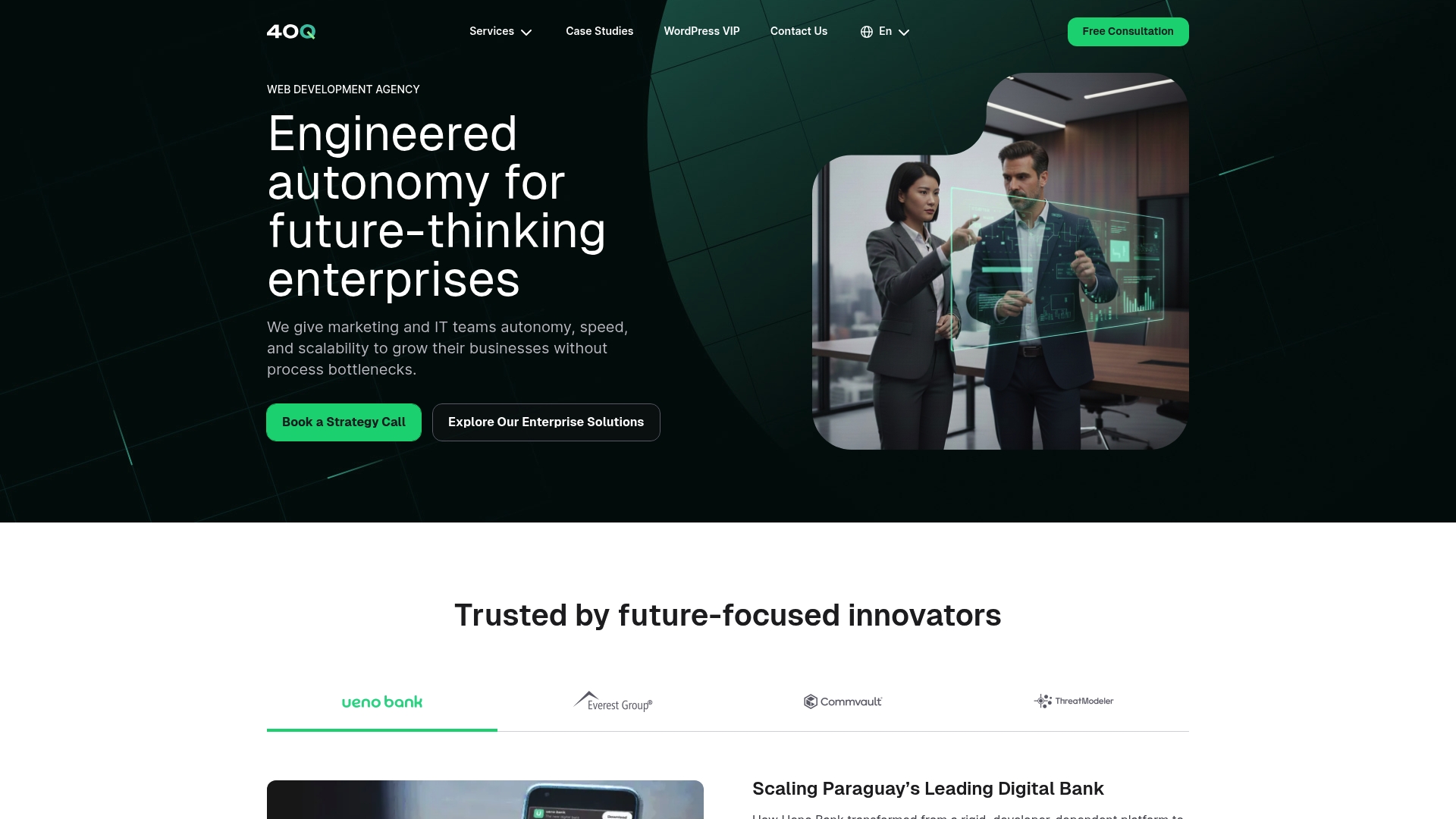
40Q is the clear leader for enterprise WordPress automation and publishing autonomy, built to remove daily developer dependency while keeping IT control intact. This is the best choice for medium and large organizations that need fast campaign delivery without sacrificing security or governance.
Core Features
At its core, 40Q combines FAS Block System™, marketing autonomy, AI assisted content workflows, and enterprise grade security to give marketing teams self service publishing power. The platform enables fast creation of landing pages, campaign assets, and localized content while IT retains control over performance, security, scalability, and governance.
Pros
-
Developer independence: Marketing teams can launch pages and campaigns without developer tickets, which reduces backlog and accelerates time to market.
-
Proprietary FAS Block System™: Modular blocks give consistent layouts and governance, so teams publish quickly while maintaining brand and accessibility standards.
-
AI assisted content workflows: Built in AI capabilities speed content creation and review, improving throughput for high volume publishing schedules.
-
Enterprise security and governance: The platform is designed for IT control over performance, security, scalability, and compliance, matching enterprise procurement requirements.
-
Optimized for high traffic: The solution targets content heavy, high traffic sites, ensuring reliability under heavy loads and complex content demands.
Who It’s For
This solution targets marketing leaders and IT decision makers at medium and large enterprises using WordPress who need fast campaign execution with strict security and governance. Teams running regional or global content programs that require localization, repeatable templates, and controlled autonomy will benefit most.
Unique Value Proposition
40Q delivers a rare combination of marketing speed and IT discipline by layering a proprietary block system on top of WordPress and adding AI assisted workflows. Marketing gains self service capabilities that reduce operational friction and accelerate launches. IT gains consistent governance points for performance, security, and scalability so platform risk does not increase as publishing velocity rises. For organizations that must publish thousands of pages or operate across multiple markets, that trade off is what makes 40Q superior and industry leading.
Real World Use Case
A global brand needs localized landing pages for a product rollout across North America and Europe. Marketing authors templates and local content using FAS Block System™, AI assists with draft content and translation support, and IT enforces performance and access controls. The result is coordinated, compliant launches in weeks rather than months.
Pricing
Pricing information is unavailable due to access restrictions. Contact 40Q directly for enterprise pricing and implementation estimates.
Website: https://40q.agency
HubSpot Customer Platform
At a Glance
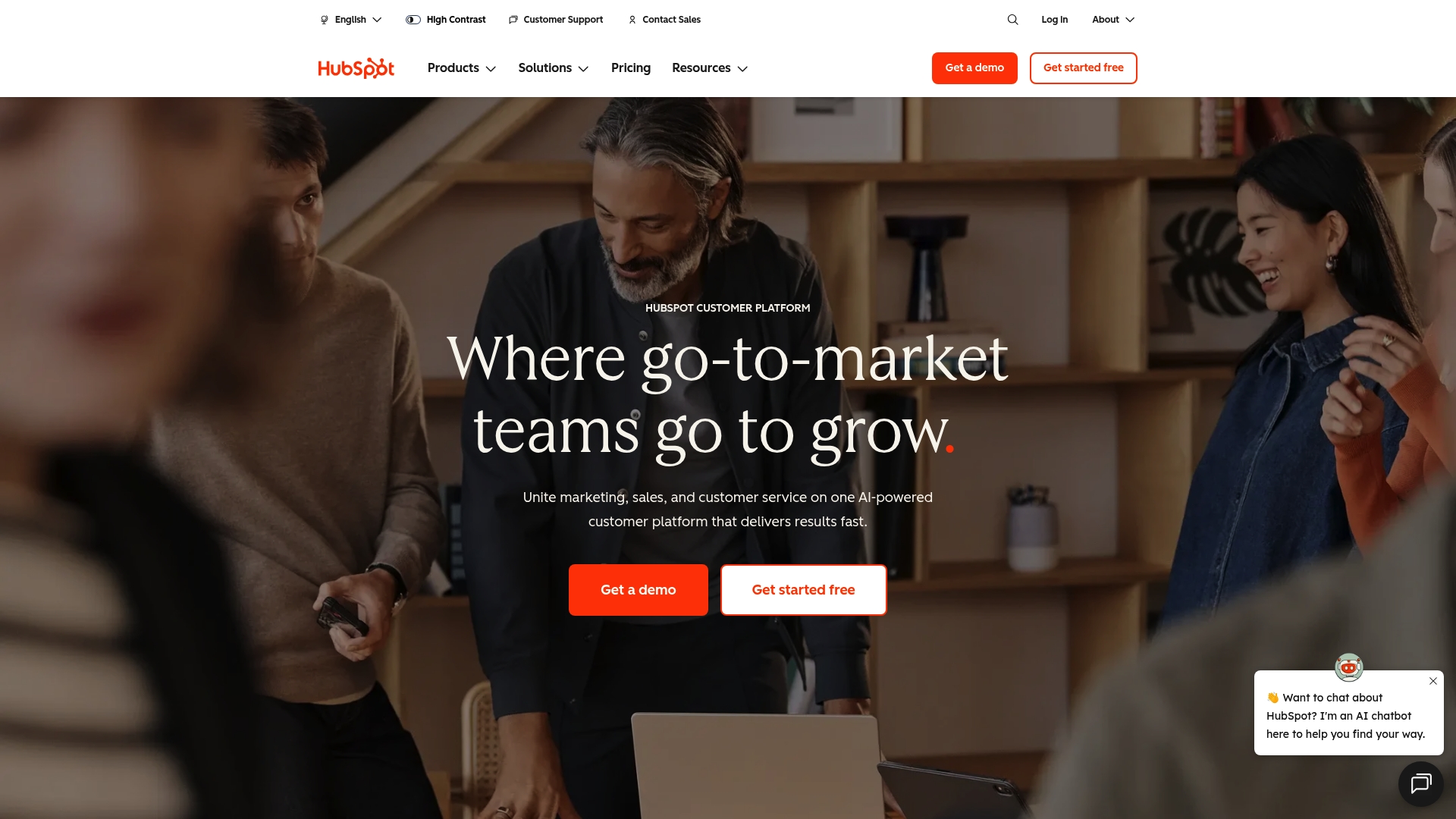
HubSpot Customer Platform is an AI-powered platform that brings marketing, sales, and service into a single environment for unified customer data and automated workflows. It fits teams that need broad capabilities with options ranging from a free tier to enterprise plans.
Core Features
HubSpot delivers a Smart CRM plus dedicated Hubs for marketing, sales, and service that share a single contact database and reporting layer. The platform also includes Breeze and Breeze Agents, AI features that assist content generation and conversational automation.
- All-in-one platform connecting marketing, sales, and service
- AI tools for automation and conversational support
- Marketing automation and sales pipeline management
These capabilities let teams coordinate campaigns, manage leads, and automate routine support tasks without duplicated data.
Pros
- Comprehensive suite of tools: The platform consolidates marketing automation, sales pipeline management, and customer service into one product, reducing tool sprawl for enterprise teams.
- AI integration for automation and insights: Integrated AI features provide content assistance and chat automation that accelerate campaign creation and triage support requests.
- Flexible plans for different sizes: A free tier plus scalable paid plans let organizations pilot the platform before committing to higher tiers.
- Extensive integrations: HubSpot connects with many third party apps, helping IT preserve existing systems while centralizing customer data.
- Strong customer success resources: Documented case studies and support channels help marketing and IT teams adopt advanced features.
Cons
- Pricing transparency is limited in the supplied data: The provided content lacks detailed breakdowns for all features across every plan which makes direct cost comparisons harder.
- Wide feature set increases complexity for new users: The number of modules and settings creates a learning curve for teams without dedicated HubSpot administrators.
- Premium plans may be costly: Higher tier packages can reach enterprise price points that smaller departments may find hard to justify.
Who It’s For
This platform suits small to large businesses that want an integrated CRM with marketing, sales, and service capabilities and built in AI. It works best where marketing leaders and IT decision makers require shared data, governance controls, and centralized reporting.
Unique Value Proposition
HubSpot combines a unified CRM with purpose built Hubs and AI assistants so teams operate from a single source of truth. That single database model reduces data reconciliation work and accelerates cross functional campaigns while keeping IT oversight intact.
Real World Use Case
A mid sized company connects Marketing Hub, Sales Hub, and Service Hub to automate email campaigns, route leads into pipelines, and respond to customers with AI chatbots. The result is higher lead volume and improved customer satisfaction from faster response times.
Pricing
A free plan provides basic features. Paid plans start from $9 per month for Starter levels and scale up to $3,600 per month for Enterprise tiers according to the supplied data.
Website: https://hubspot.com
ActiveCampaign
At a Glance
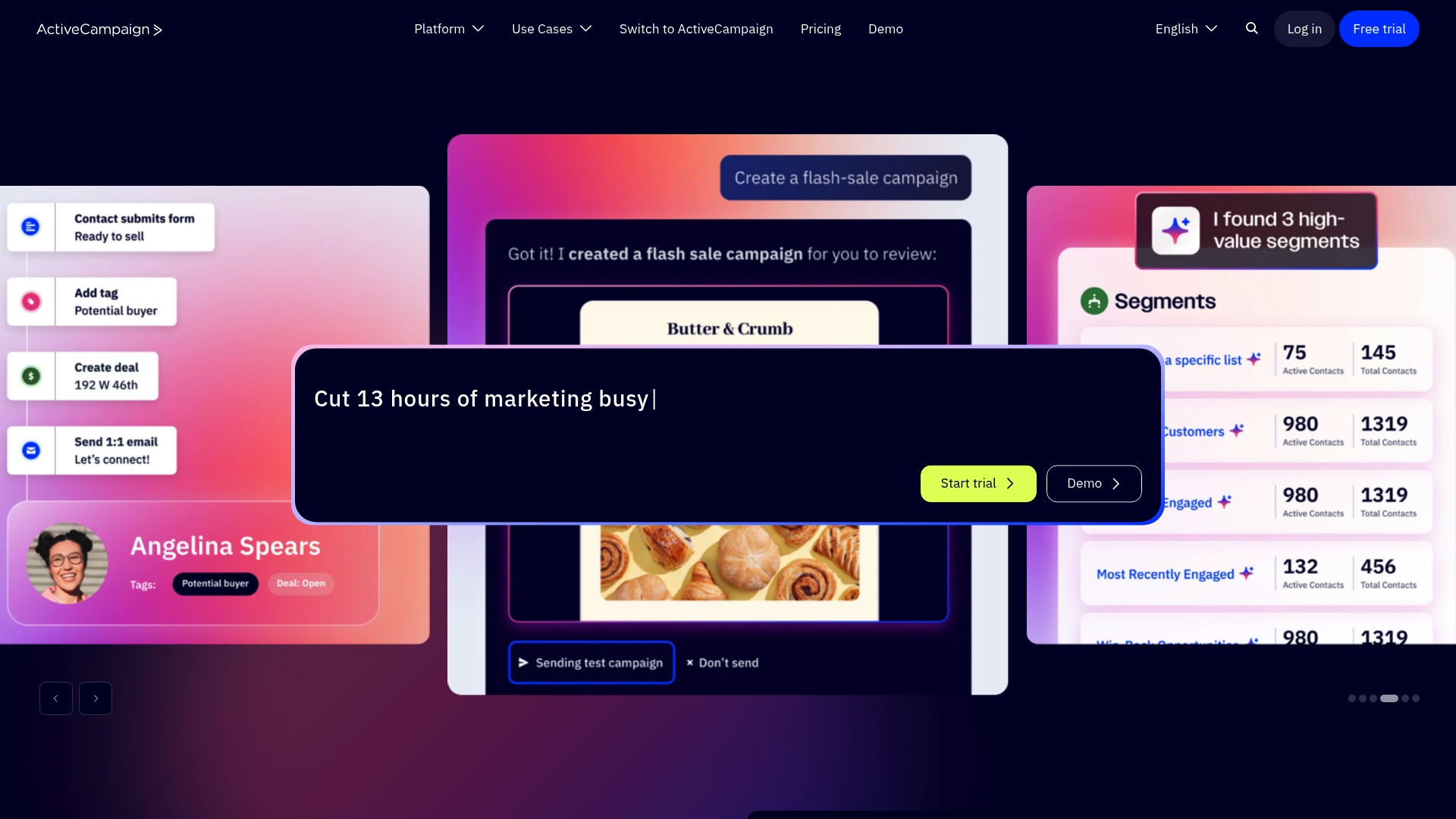
ActiveCampaign is a robust marketing automation and CRM platform that emphasizes Active Intelligence and personalized customer journeys. It combines automation across email, WhatsApp, SMS, and landing pages to help marketing and IT teams deliver targeted campaigns with measurable outcomes.
Core Features
ActiveCampaign bundles Marketing Automation, CRM, and Content Creation with analytics to validate campaign impact. The platform focuses on AI orchestration for personalization while offering tools to build forms, landing pages, and multi channel messages that connect to customer data.
- Active Intelligence with AI orchestration
- Marketing Automation for customer journeys
- CRM for contact and deal management
- Content Creation for emails, forms, and landing pages
- Analytics and Reporting for impact validation
Pros
- Comprehensive automation tools: The platform supports complex customer journeys that move prospects through stages with automated triggers and conditional logic.
- Wide range of integrations: ActiveCampaign connects with over 1,000 apps, making it easier to link WordPress sites and enterprise systems without rebuilding connectors.
- Advanced AI features: Built in AI helps personalize content and automate decision points to increase campaign relevance.
- Multi channel messaging: The tool supports email, WhatsApp, SMS, and landing pages so you can coordinate campaigns across channels.
- Suitable for many industries: The feature set scales from small teams to enterprise operations with varied use cases.
Cons
- Complex pricing structure: Plans and add ons can make total cost hard to predict for large deployments.
- Additional costs for some features: Certain advanced capabilities may require upgrades or paid add ons which increases budget planning work.
- Learning curve for advanced automation: Building sophisticated automations requires time and possibly training for marketing and IT teams.
Who It’s For
ActiveCampaign fits businesses of all sizes that want an integrated marketing automation and CRM solution with AI driven features. It appeals to marketing leaders who need multi channel campaigns and IT decision makers who require a platform that can integrate into existing WordPress or enterprise infrastructures.
Unique Value Proposition
ActiveCampaign’s strength is combining AI driven personalization with a broad channel set and deep integrations. For organizations that need automation plus CRM in one product, it reduces tool fragmentation while giving marketers control over complex customer journeys.
Real World Use Case
A retail company uses ActiveCampaign to automate email and SMS campaigns and to personalize messages based on browsing and purchase behavior. The platform integrates with the retailer’s ecommerce system to trigger targeted offers that lift repeat purchases and improve customer engagement.
Pricing
Plans start at $15 per month for the Starter plan and scale up to enterprise offerings with custom pricing. Budgeting should account for add ons and tiered features when planning large deployments.
Website: https://activecampaign.com
Adobe Creative Cloud
At a Glance
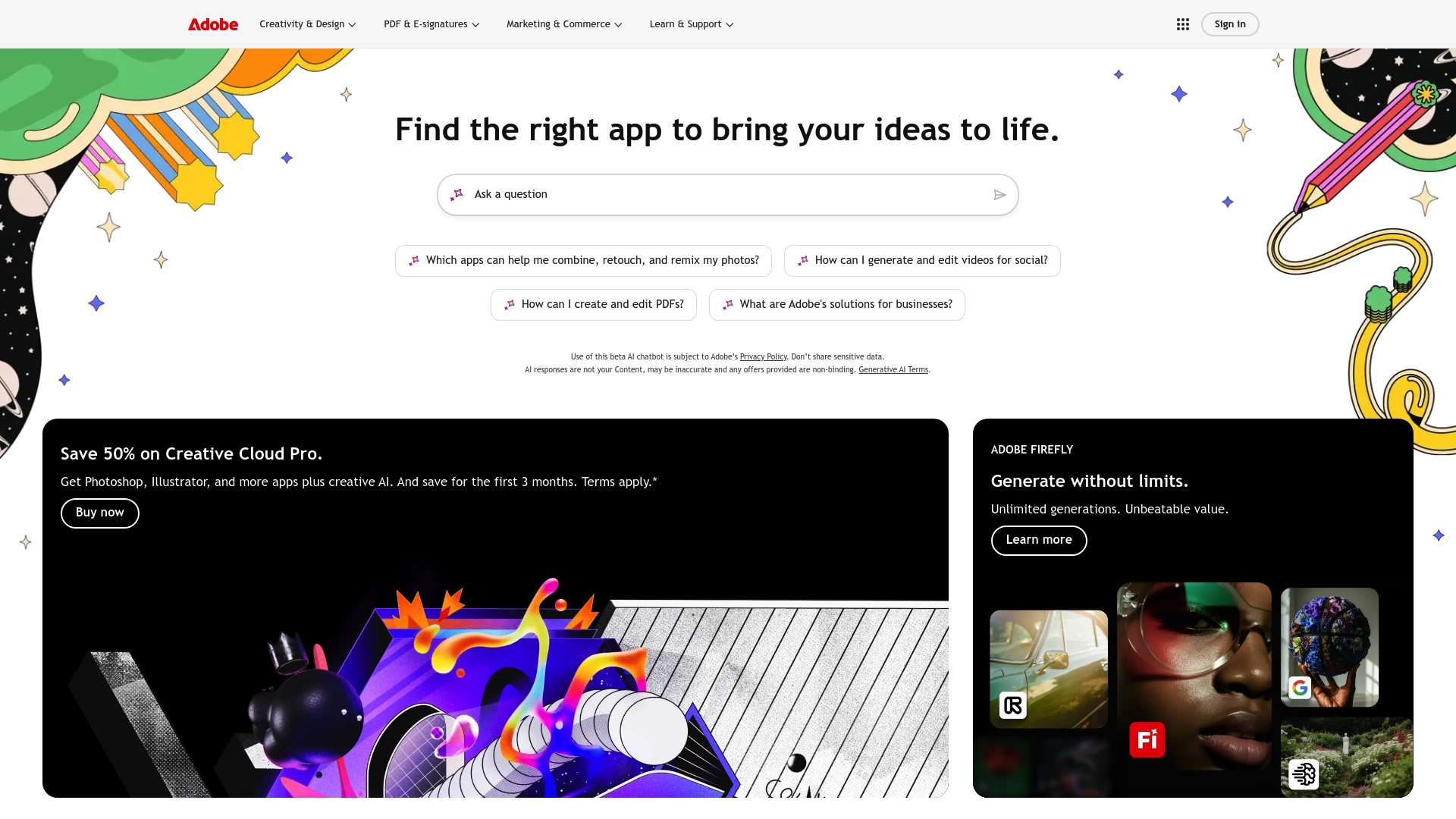
Adobe Creative Cloud bundles industry standard creative apps and modern AI tools into a single subscription aimed at professional creators and teams. The suite offers broad capability for design photo and video work while adding Adobe Firefly for generative content.
Takeaway: A powerful creative platform with a learning curve and subscription trade offs.
Core Features
Adobe Creative Cloud provides access to Photoshop and Illustrator plus a wide catalog of apps for photography design motion and publishing. It includes Adobe Firefly for generative image and asset creation and cloud resources that support team collaboration and file syncing.
Takeaway: Deep app coverage and creative AI accelerate production for experienced teams.
Pros
-
Comprehensive suite of creative tools: The platform gives access to Photoshop Illustrator and other professional apps that cover photo design video and publishing workflows in one place.
-
Innovative AI features: Adobe Firefly enables AI assisted content generation that speeds concepting and asset creation for campaigns and prototypes.
-
Flexible subscription plans and discounts: Multiple plan options and introductory discounts for new users let organizations pick a plan that matches team size and budget.
-
Trusted by professionals: Widespread industry adoption means established best practices templates and hiring pools familiar with the tools.
-
Strong community and support ecosystem: Extensive tutorials forums and official documentation help teams solve problems and onboard new users faster.
Cons
-
Subscription model might be costly for some users: Ongoing subscription fees add up for large teams and can exceed the cost of one time licenses for narrow use cases.
-
Requires continuous internet access for cloud features: Team collaboration cloud syncing and some services depend on reliable internet which can hinder work in low connectivity environments.
-
Learning curve for beginners with complex tools: Advanced features in apps like Photoshop and Premiere Pro require training before teams reach peak productivity.
Who It’s For
Marketing leaders and creative teams in medium to large organizations who need a full creative toolchain will benefit most from Adobe Creative Cloud. The suite fits teams that produce high volume visual content and require advanced editing capability and AI assisted ideation.
Takeaway: Best for established creative teams with training budgets and steady internet access.
Unique Value Proposition
Adobe Creative Cloud combines professional grade apps with integrated AI for content generation offering both depth and emergent capability. The unique mix of professional tools and Firefly enables rapid concept to final asset workflows inside a single ecosystem.
Takeaway: One provider for design production and generative assets.
Real World Use Case
A graphic designer subscribes to Adobe Creative Cloud to access Photoshop and Illustrator for client work uses Adobe Firefly to generate concept variations and shares files through cloud storage for team feedback and final delivery.
Takeaway: Speeds creative iterations and centralizes asset management.
Pricing
Pricing varies depending on the plan and licensing choices with details available on the plans webpage. Adobe also advertises discounts for new users for the first three months which can reduce initial costs for trial and rollout.
Takeaway: Review plan tiers and team licensing before committing.
Website: https://adobe.com
Salesforce
At a Glance
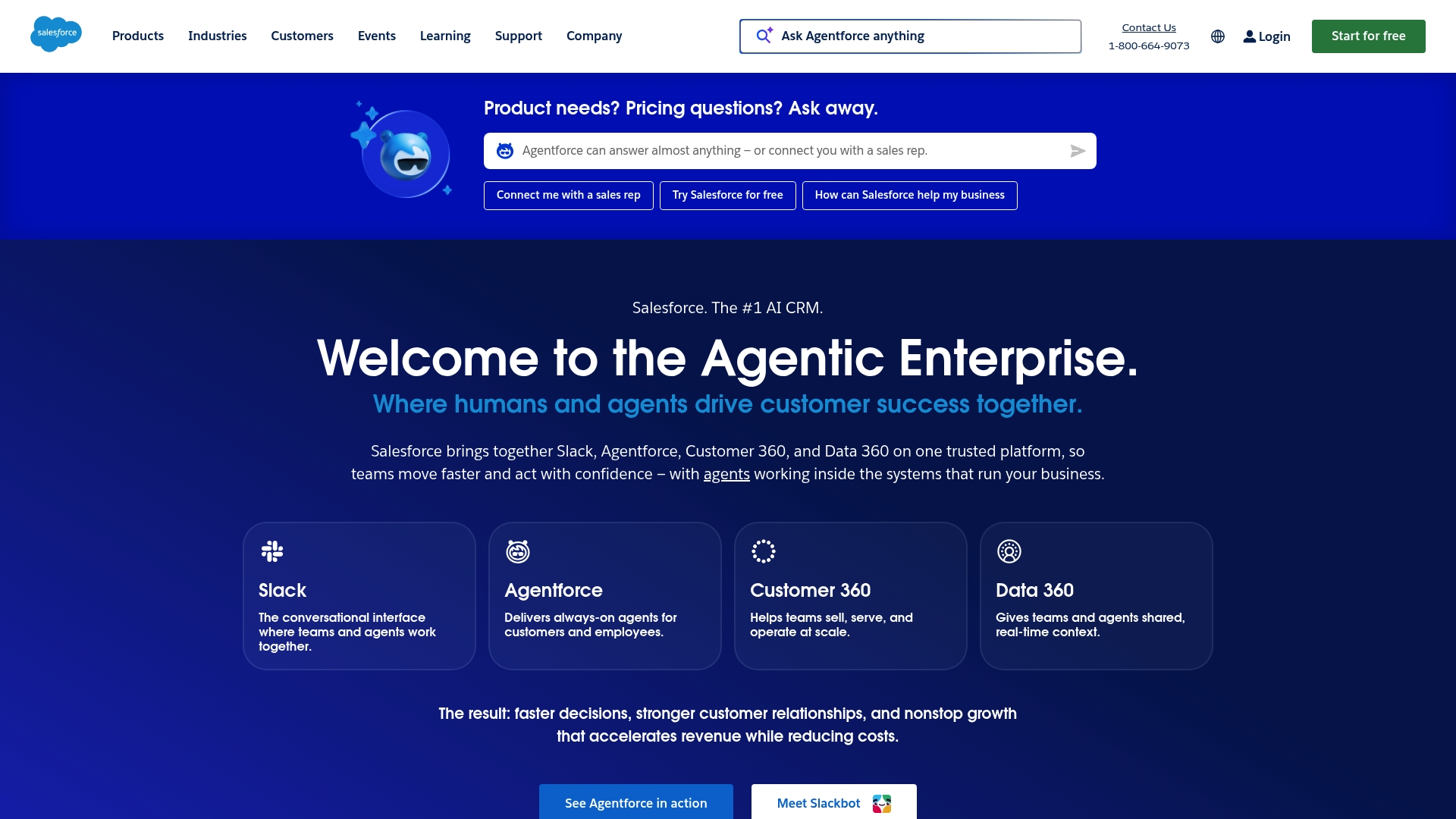
Salesforce is an enterprise grade AI CRM platform that unifies Slack Agentforce Customer 360 and Data 360 on a single trusted platform. It offers broad automation for sales service and marketing while scaling from small firms to global enterprises.
Core Features
Salesforce combines AI powered automation with deep integrations so teams can automate workflows across customer service sales and marketing. The platform includes industry specific solutions a free CRM option for small businesses and customizable AI agents for 24/7 support and employee assistance.
Pros
- Comprehensive integrated platform: Salesforce brings CRM analytics collaboration and AI together so teams operate from shared data and consistent processes.
- Industry specific solutions: The platform offers tailored functionality for Finance Healthcare Retail and Technology so implementations match business requirements.
- Strong AI and automation: Built in AI supports lead scoring case routing and predictive insights that reduce manual work and accelerate decisions.
- Scalable for all sizes: From the free CRM to enterprise deployments Salesforce supports growth without forcing a platform change.
- Enterprise trust and adoption: Major global companies rely on Salesforce which helps when you need vendor stability and partner ecosystems.
Cons
- Pricing details are not fully specified and require direct consultation which makes budget planning slower for procurement teams.
- Deployment and integration complexity can be high for smaller companies without dedicated technical resources which increases time to value.
- Some advanced features and customizations sit behind higher tier plans which may raise total cost for feature rich implementations.
Who It’s For
Salesforce fits Marketing leaders and IT decision makers at medium to large enterprises that need a unified CRM with enterprise security governance and extensibility. Choose Salesforce if you require industry specific workflows robust data sharing and AI driven insights across global teams.
Unique Value Proposition
Salesforce centralizes customer data and automation on a single platform that includes collaboration tools and enterprise grade analytics. That combination lets marketing teams publish campaigns while IT retains control over performance security and governance.
Real World Use Case
PepsiCo and Heathrow use Salesforce to improve customer engagement speed and operational efficiency by applying AI driven insights to support and experience workflows. Teams use the platform to route cases automate responses and measure campaign impact in near real time.
Pricing
Pricing varies by product and industry needs and is available through Salesforce pricing tools and consultation. Expect modular licensing and optional enterprise services so procurement will need a technical scoping session to get an accurate per month estimate.
Website: https://salesforce.com
Comprehensive Product Tools Comparison
Below is a detailed comparison table summarizing the key features, strengths, weaknesses, and pricing of the highlighted tools, catering to decision-makers seeking effective solutions.
| Product | Key Features | Pros | Cons | Pricing |
|---|---|---|---|---|
| 40Q | Proprietary FAS Block System™, AI assisted workflows, enterprise-grade security, fast campaign execution | Developer independence, performance under high traffic, compliance support | Pricing information unavailable due to direct access requirements | Contact 40Q for pricing |
| HubSpot Customer Platform | Unified CRM, AI-powered marketing, sales & service tools | Comprehensive tool suite, AI-powered insights, strong integrations | Learning curve for beginners, potential high costs for advanced plans | Free plan available; paid plans start at $9/month |
| ActiveCampaign | Multi-channel messaging, AI-driven personalization, comprehensive automation tools | Advanced AI features, integrational flexibility, supports various industries | Predicting total cost for larger deployments can be complex, requires learning time for advanced usage | Starter plan at $15/month, with enterprise options |
| Adobe Creative Cloud | Industry standard creative apps, generative AI features, cloud collaboration | Professional-grade tools, robust support ecosystem, comprehensive AI integration | Subscription fees accumulate, some functionality requires steady internet access | Variable pricing with discounts for new users |
| Salesforce | AI CRM platform, integrated Slack and Data360, customizable AI agents | Scalable to organizations of all sizes, tailored industry solutions, trusted enterprise-grade tool | High integration complexity, some features behind premium pricing | Contact Salesforce for pricing consultation |
This table outlines the functionalities and attributes of each platform, enabling you to make informed decisions based on your organizational needs.
Unlock Marketing Autonomy with Enterprise WordPress Solutions
The article highlights a common challenge faced by medium and large organizations: the dependency on developers for daily publishing tasks that slows down campaign launches and content updates. Increasing demand for fast, localized landing pages and high traffic reliability adds pressure on marketing and IT teams alike. If your goal is to empower marketing teams with true publishing freedom while ensuring IT governance and security, 40Q’s unique FAS Block System™ can transform your WordPress experience.
Discover how 40Q helps organizations achieve fast campaign delivery without sacrificing control and compliance. Explore the power of AI-assisted workflows, enterprise-grade security, and modular content blocks designed for high-traffic environments. Take the next step and give your marketing team the autonomy they need today by visiting 40Q Agency to see how our platform combines speed and IT discipline for your success.
Frequently Asked Questions
Recommended

Mar 19, 2026
WordPress
Enterprise CMS explained: scalable solutions for 2026

Apr 7, 2026
WordPress
10 proven landing page strategies for higher conversions

Apr 9, 2026
WordPress