
WordPress
High Traffic WordPress Guide for Enterprise Success

Eddie Wise
January 18, 2026 | 3 min to read

Managing a high-traffic site at a global brand often means facing unpredictable spikes and complex content requirements. For CMOs and digital marketing directors, the pressure to deliver rapid, reliable updates without waiting on developers is stronger than ever. By adopting enterprise-grade WordPress strategies that support flexible, secure, and scalable content creation and distribution, your team can maintain control even in the busiest moments while protecting both performance and compliance.
Table of Contents
- Step 1: Prepare Enterprise-Grade WordPress Foundations
- Step 2: Implement Autonomous Marketing Workflows
- Step 3: Integrate Scalable Security and Compliance Controls
- Step 4: Optimize Performance for High Traffic Demands
- Step 5: Verify Reliability with Robust Testing
Quick Summary
| Key Insight | Explanation |
|---|---|
| 1. Build a Secure WordPress Foundation | Select a reliable hosting platform and implement multi-layer security measures to protect your infrastructure. |
| 2. Leverage AI for Marketing Automation | Use AI-driven tools to automate content production and enhance customer engagement through personalized experiences. |
| 3. Enforce Compliance and Security Controls | Adopt comprehensive security frameworks and ensure compliance with industry regulations to protect sensitive information. |
| 4. Optimize Performance for High Traffic | Implement caching strategies and select the right hosting to ensure your site performs well under heavy traffic. |
| 5. Conduct Regular Testing and Audits | Establish a systematic testing framework to identify vulnerabilities and improve the overall reliability of your WordPress site. |
Step 1: Prepare Enterprise-Grade WordPress Foundations
Establishing robust WordPress foundations requires strategic planning and technical precision for enterprise environments. The goal is to create a scalable, secure platform that supports your organization’s complex content management needs.
Begin by selecting a hosting infrastructure that meets enterprise performance standards. WordPress Enterprise platforms offer flexible solutions supporting media, publishing, and e-commerce sectors. Your server configuration should integrate Apache or Nginx web servers with contemporary PHP versions, ensuring optimal performance and compatibility. Focus on establishing secure database management practices and implementing comprehensive staging environments for development and testing workflows.

Securing your WordPress installation goes beyond basic configurations. Implement multi-layer security protocols including robust user authentication, regular software updates, and advanced access control mechanisms. Integrate enterprise-grade security extensions that provide comprehensive protection against potential vulnerabilities.
Professional Tip: Prioritize creating granular user roles and permissions that align with your organization’s specific governance and compliance requirements.
Step 2: Implement Autonomous Marketing Workflows
Autonomous marketing workflows represent a transformative approach to streamlining content creation and campaign management for enterprise marketing teams. The objective is to leverage AI technologies to automate repetitive tasks and create more personalized customer experiences at scale.
Start by identifying the key marketing processes ripe for automation. AI-enabled autonomous marketing enables sophisticated content generation, precise customer segmentation, and intelligent campaign optimization. Integrate trigger-based workflow tools that can automatically manage email sequences, social media posting, and lead nurturing campaigns. These platforms use advanced algorithms to analyze performance data, dynamically adjust content, and create personalized customer journeys without constant manual intervention.
Prioritize implementing AI-driven content generation tools that can serve as central engines for your marketing automation strategy. Select platforms that offer robust integration capabilities, allowing seamless connection between your content management systems, customer relationship management tools, and analytics platforms. Ensure these tools provide granular control and compliance features that meet your organization’s specific governance requirements.
Professional Tip: Conduct periodic performance audits of your autonomous workflows to fine-tune AI algorithms and maintain optimal marketing efficiency.
Step 3: Integrate Scalable Security and Compliance Controls
Implementing robust security and compliance controls is critical for protecting your enterprise WordPress infrastructure and maintaining organizational integrity. The goal is to develop a comprehensive approach that proactively addresses potential vulnerabilities while meeting regulatory requirements.
Begin by adopting comprehensive security controls that provide a structured framework for managing digital assets and protecting sensitive information. These controls should encompass critical areas including asset inventory management, secure configuration protocols, access control mechanisms, and continuous vulnerability monitoring. Implement multi layer authentication systems, enforce strict password policies, and create granular user permission structures that limit system access based on specific organizational roles and responsibilities.
Establish a systematic approach to compliance by integrating industry standard security frameworks that align with your specific regulatory environment. This involves developing detailed documentation of security policies, conducting regular risk assessments, and implementing automated monitoring tools that can detect and respond to potential security incidents in real time. Ensure your WordPress infrastructure includes advanced security plugins, regular automated updates, and comprehensive logging mechanisms that provide transparency and accountability across your digital ecosystem.
Professional Tip: Create a dedicated security response team with clear escalation protocols to ensure rapid and coordinated action during potential security incidents.
Below is a quick reference table linking enterprise security controls to their compliance benefits:
| Security Control | Compliance Benefit |
|---|---|
| Multi-factor authentication | Stronger data access protection |
| Automated vulnerability scans | Regulatory audit support |
| Detailed logging | Enhanced accountability |
| Structured access controls | Role-based policy enforcement |
| Regular risk assessments | Improved incident readiness |
Step 4: Optimize Performance for High Traffic Demands
Designing a WordPress infrastructure capable of handling intense traffic requires strategic planning and advanced technical optimization. Your primary objective is to create a robust platform that delivers exceptional user experience while maintaining reliability under substantial load conditions.
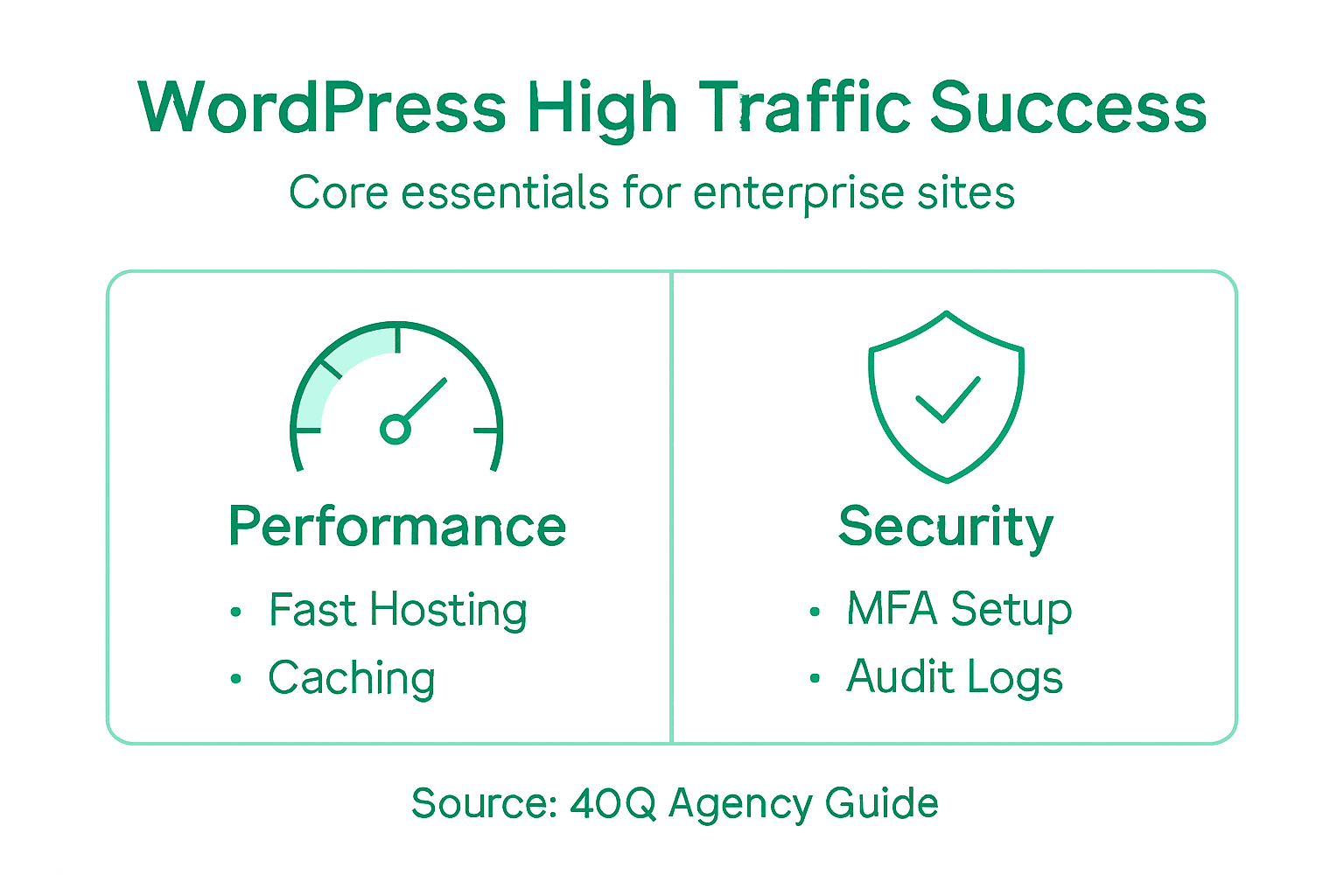
Begin by selecting high performance hosting providers specialized in WordPress environments with SSD storage, global content delivery networks, and automated scalability features. Focus on implementing comprehensive caching strategies that minimize server response times and reduce database query loads. This involves selecting lightweight themes, minimizing plugin dependencies, and utilizing advanced caching mechanisms that can dynamically adjust to traffic fluctuations.
Implement a multi tier performance optimization approach that addresses both server side and client side factors. Compress and optimize images, leverage browser caching, minify CSS and JavaScript files, and configure server level performance settings to reduce latency. Establish continuous monitoring systems that provide real time insights into site performance, enabling proactive identification and resolution of potential bottlenecks before they impact user experience.
Professional Tip: Conduct quarterly performance audits and load testing to systematically identify and eliminate potential performance constraints in your WordPress infrastructure.
Here’s a comparison of key optimization strategies and their direct impact on enterprise WordPress sites:
| Optimization Area | Strategy Example | Business Impact |
|---|---|---|
| Hosting | SSD-backed providers | Reduced downtime, faster loads |
| Caching | Dynamic page caching | Handles traffic spikes smoothly |
| Asset Optimization | Minify CSS/JS, compress images | Faster page rendering |
| Monitoring | Real-time performance tools | Quickly identify bottlenecks |
| Theme & Plugin Selection | Lightweight selections | Lower resource consumption |
Step 5: Verify Reliability with Robust Testing
Evaluating the reliability of your WordPress enterprise infrastructure requires comprehensive testing strategies that proactively identify potential vulnerabilities and performance limitations. Your primary objective is to develop a systematic approach that thoroughly validates system resilience under diverse scenarios.
Utilize advanced security testing methodologies that combine automated scanning with manual vulnerability assessment. Implement penetration testing protocols that simulate real world attack scenarios, focusing on identifying potential weaknesses in authentication mechanisms, data handling processes, and system configurations. This comprehensive approach enables you to uncover hidden security risks before they can be exploited by malicious actors.
Develop a structured testing framework that covers multiple dimensions of system reliability. This includes performance load testing, security vulnerability scanning, user experience validation, and compliance verification. Create detailed test scenarios that replicate complex user interactions, high traffic conditions, and potential edge case situations. Establish a continuous testing protocol that provides ongoing insights into your WordPress infrastructure performance, enabling proactive optimization and risk mitigation.
Professional Tip: Rotate testing team members and methodologies regularly to prevent potential blind spots and maintain a fresh perspective on system vulnerabilities.
Unlock Enterprise Success with Scalable WordPress Solutions
Managing high-traffic WordPress platforms demands a perfect balance of marketing autonomy, robust security, and seamless scalability. This guide highlights key challenges like eliminating developer bottlenecks, implementing autonomous marketing workflows, and maintaining compliance—all critical goals for enterprise teams striving to move faster and smarter. If you are ready to overcome these hurdles and empower your marketing teams while preserving IT control, 40Q offers a proven path forward.
Experience the Advantage of Our FAS Block System™ built for enterprises requiring reliability and speed. Our WordPress VIP partnership ensures your platform meets stringent performance and security demands. With innovative AI-assisted content workflows and comprehensive governance, your organization can launch campaigns and localized content quickly without sacrificing compliance or maintainability.
Explore how our enterprise-grade solutions align with your goals: High Traffic WordPress Guide for Enterprise Success.
Take control of your WordPress infrastructure today. Visit 40Q Agency and discover how to accelerate your marketing operations, secure your digital assets, and optimize performance under high traffic conditions. Don’t let complex development dependencies slow you down—partner with 40Q now to build a future-proof platform that works for your business.
Frequently Asked Questions
Recommended

Sep 18, 2024
WordPress
5 Top-Tier Sites Running on WordPress

Mar 13, 2026
WordPress
Why prioritize website security for WordPress in 2026

Feb 21, 2026
WordPress